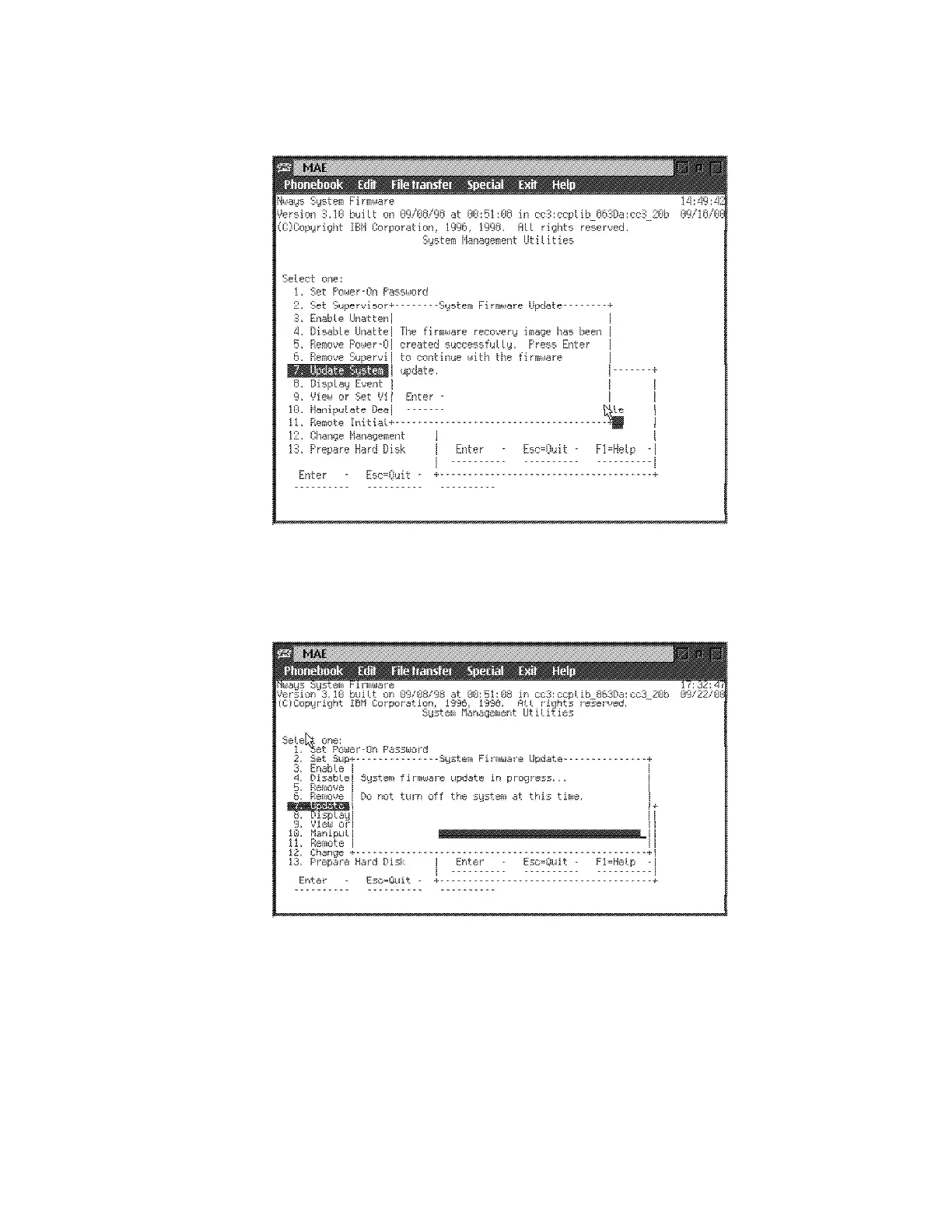
14 When recovery image has been done:
press Enter.
15 Several windows are displayed followed by:
Note: Do not switch the system off. The process erases the old firmware
and copies the new firmware into flash memory. If the machine is powered
off before the process is complete, you will need to reload the firmware from
the recovery image.
Chapter 5. Multiaccess Enclosure Firmware and Operational Code 5-21











 To Next Page