Restoring the Image Code of the Multiaccess Enclosure Hard Disk
1 If the Enable MAE hard disk restoration has already been started go to
Step 5 on page 5-31 . Otherwise continue with Step 2 .
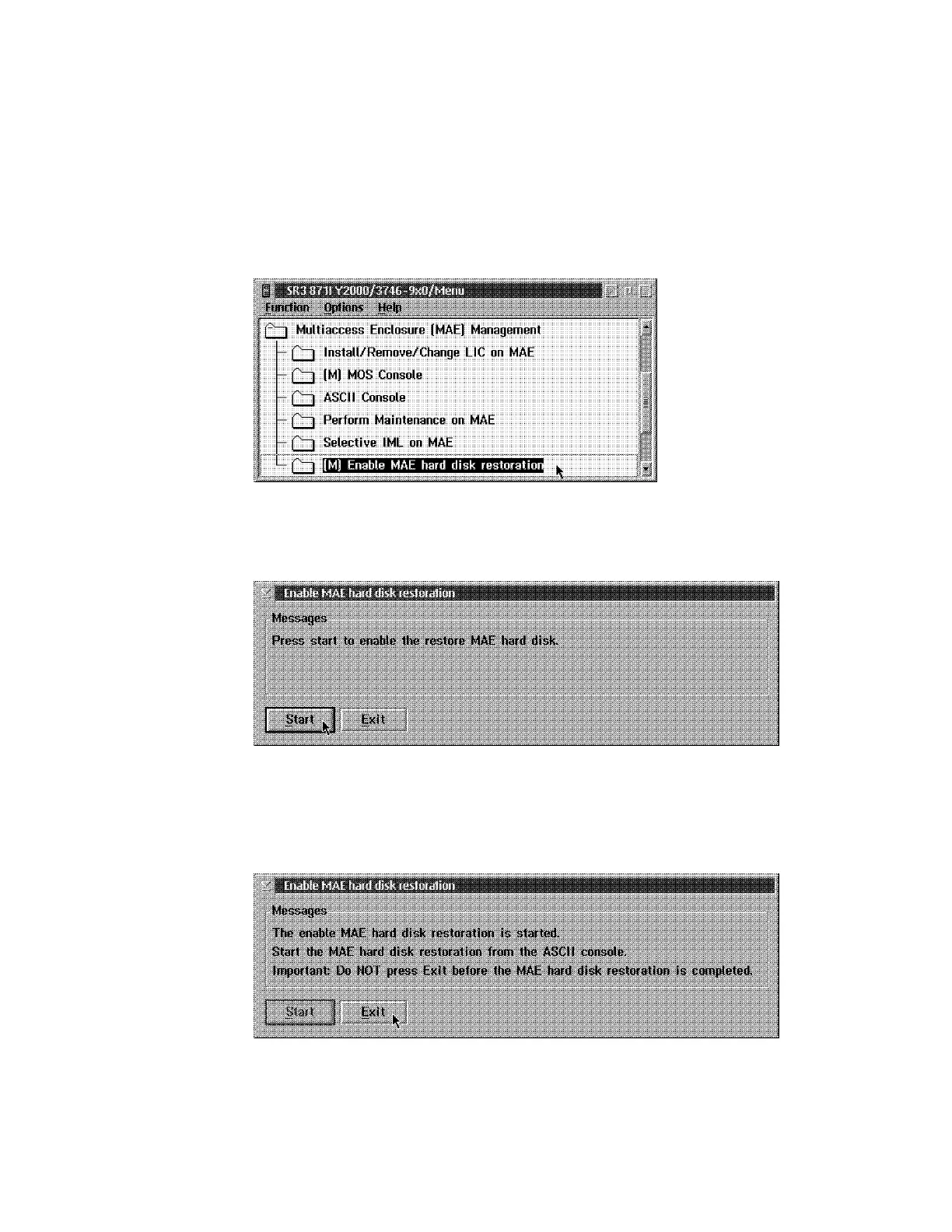
2 In the Multiaccess Enclosure (MAE) Management window, double click on
the Enable MAE hard disk restoration option.
.
3 The following window is displayed:
.
Press Start.
4 The following window appears:
.
Do not Click on any Function key
5-30 3746-9X0: MAE Installation and Maintenance











 To Next Page