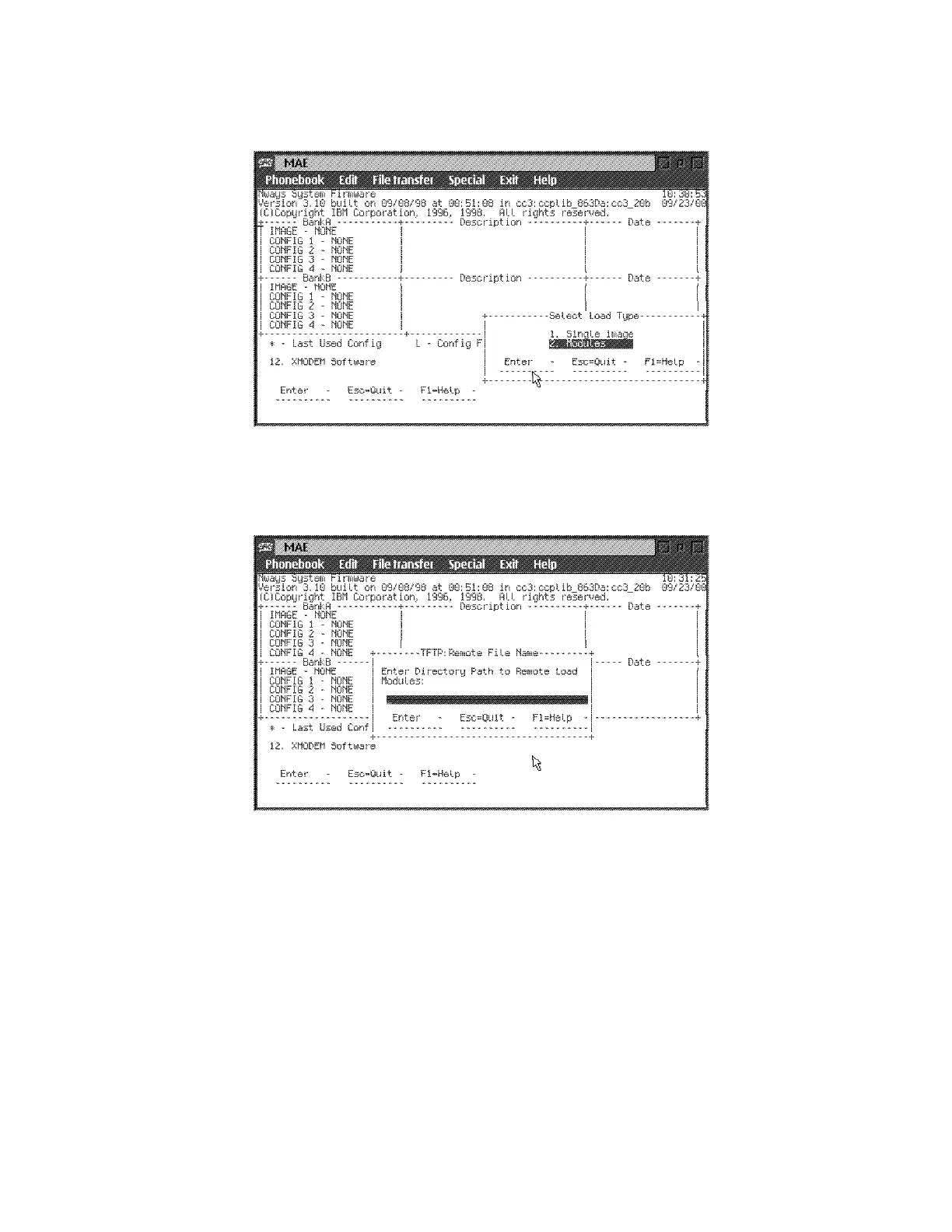
f Select 2. Modules, then press Enter.
g The following window is displayed:
.
hPress Enter.
i The Interface window is displayed with PCMCIA selected. Press Enter.
j Put the current window in background by clicking on the Service
Processor Menu window, by example.
k Wait until the window Figure 5-17 on page 5-32 is displayed:
5-34 3746-9X0: MAE Installation and Maintenance











 To Next Page