Accessing the Operational Diagnostics from the Service Processor
1 You should be logged ON on the service processor. If not go to Step 2.
Otherwise continue with Step 3 .
2 To log ON:
a On the MOSS-E View window, click on Program (in the action bar).
b Click on Log On MOSS-E.
c Enter the password and continue with Step 3 .
3 On the MOSS-E View window, double click on the 3746 icon.
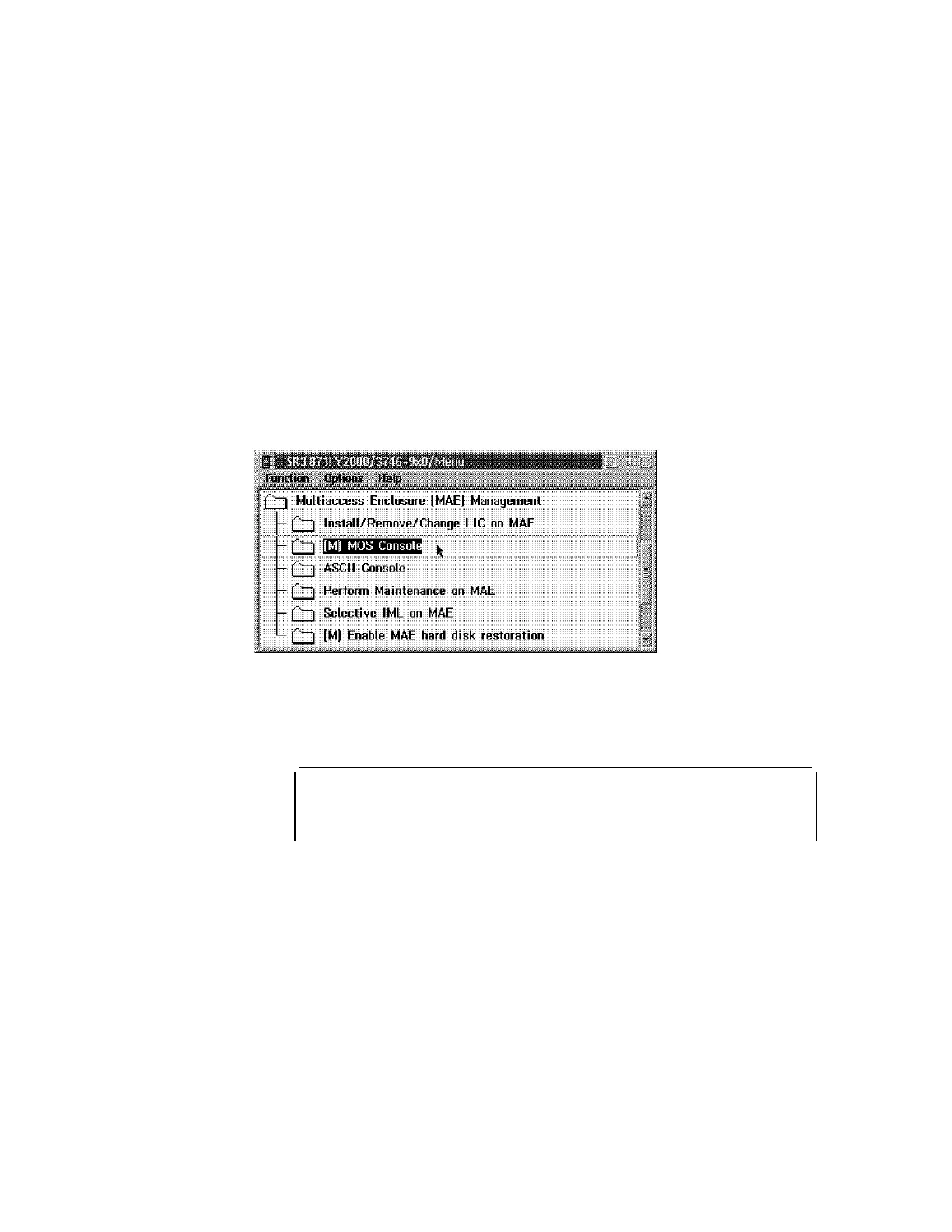
4 On the 3746-9x0 Menu click on the Multiaccess Enclosure (MAE)
Management option. The following window is displayed.
5 Double click on the MOS Console option.
6 The command line interface (* prompt). window is displayed.
*
7 Type diags and press Enter.
8 The Diagnostic Menu appears (Figure 5-22 on page 5-43). To make your
selection, type in the number of your choice and press Enter.
5-42 3746-9X0: MAE Installation and Maintenance











 To Next Page