Installing Options
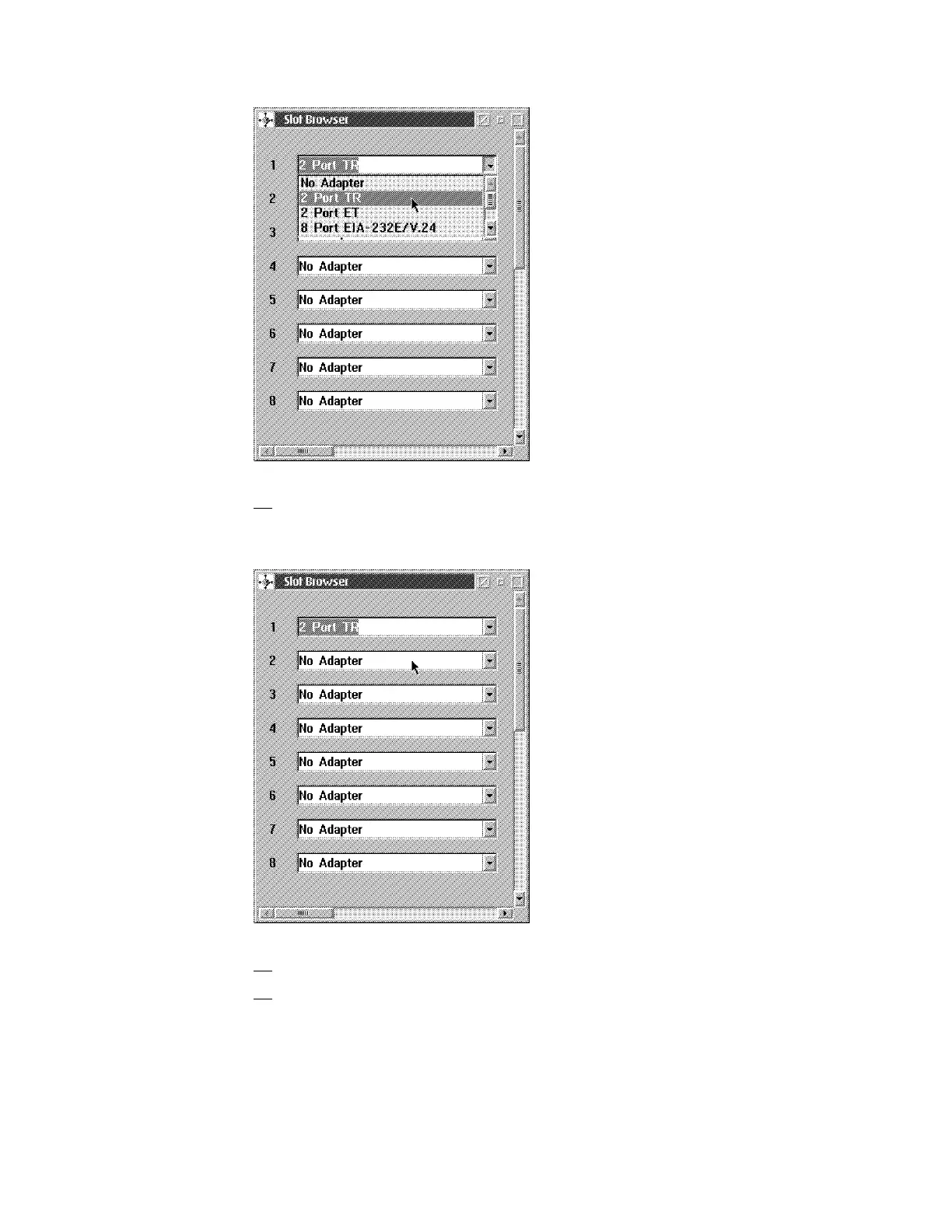
15. If you are removing an adapter click on the No Adapter option. Otherwise
click on the appropriate adapter. The Slot Browser window is again
displayed with the change.
16. Press Ctrl/Esc.
17. The Window List is displayed. Click on the Navigation Window.The
Navigation Window is displayed.
6-14 3746-9X0: MAE Installation and Maintenance











 To Next Page