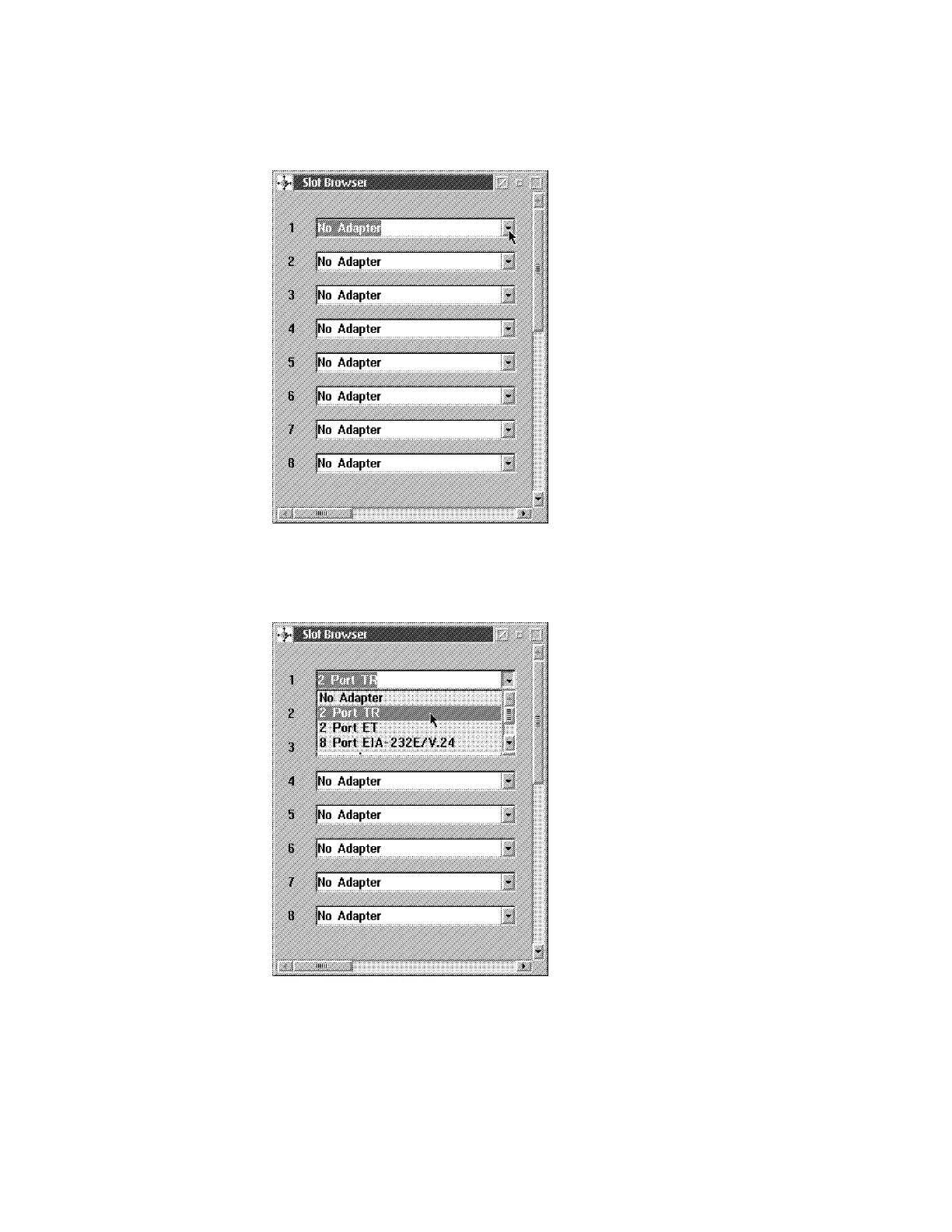
15 Click on the Slots option. The Slot Browser window similar to the following
is displayed.
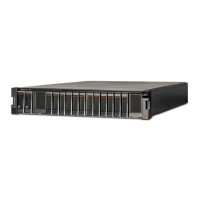
16 Select the slot where you want to add or remove an adapter by clicking on
the desired position. A new window appears with a choice.
17 If you are removing an adapter click on the No Adapter option. Otherwise
click on the appropriate adapter. The Slot Browser window is again
displayed with the change.
Appendix E. Managing Operational Code and Configuration Files E-11



 To Next Page