Running the Parallel Channel Adapter External Wrap Tests
Use the external wrap tests to locate problems with the cables. Test the cables only
after verifying the adapter is functional by running the online diagnostics of the
adapter (see “Running Diagnostics on the New Adapter” on page 5-50).
Run the Parallel Channel Adapter test with the wrap blocks and terminators. This
tests the Parallel Channel Adapter, the V-cable, and the Channel Interface Cables.
Run external wrap tests of the adapter and the cables in the following sequence:
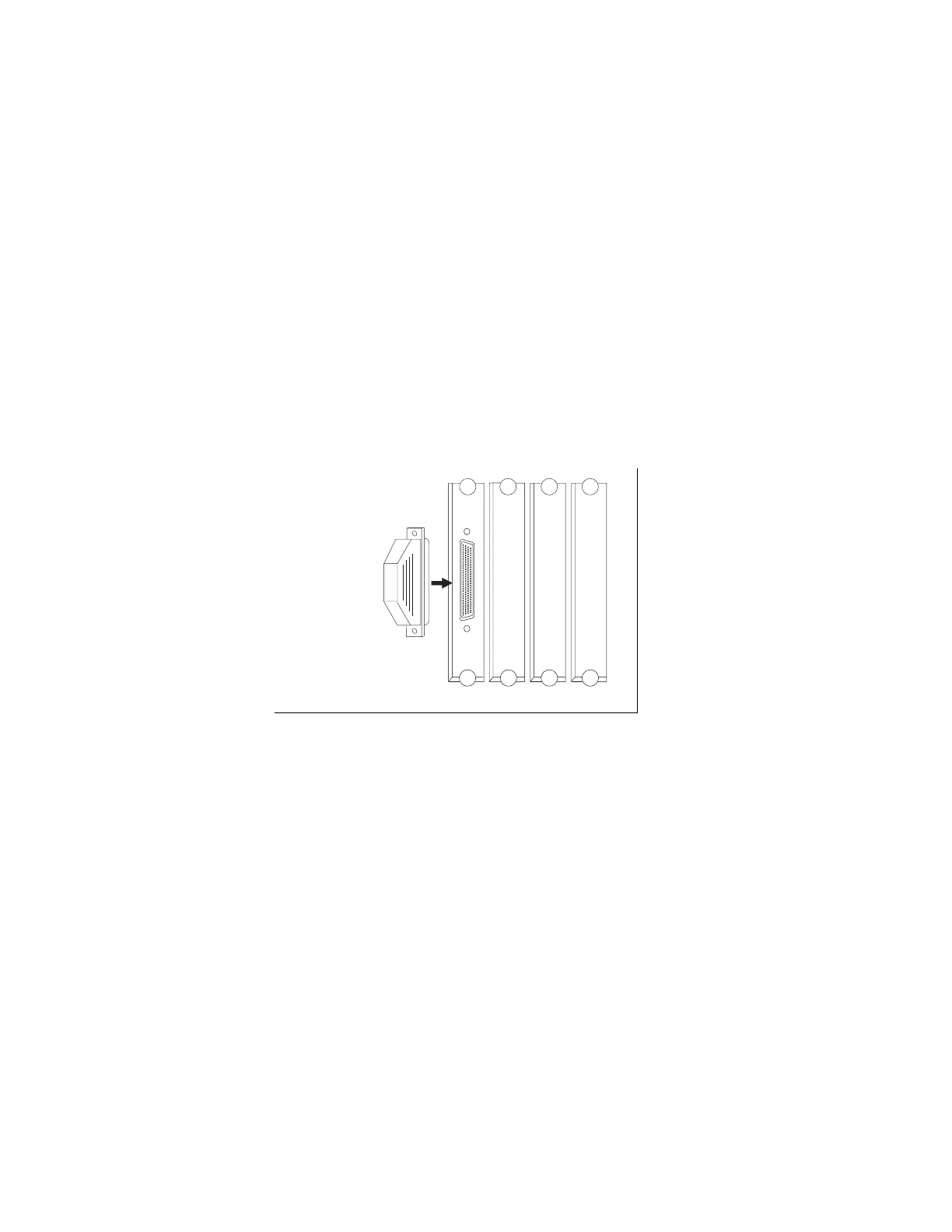
1. The adapter, see Figure 3-6
2. V-cable, see Figure 3-7 on page 3-28
3. V-cable and the Channel Interface-in, see Figure 3-8 on page 3-29
4. V-cable, Channel Interface-in, and Channel Interface-out, see Figure 3-9 on
page 3-30
5. V-cable and Channel Interface-out, see Figure 3-10 on page 3-31
WRAP
(PN71F1184)
Figure 3-6. Adapter Wrap Test Connection
Chapter 3. Multiaccess Enclosure Problem Determination 3-27


 To Next Page
 Loading...







