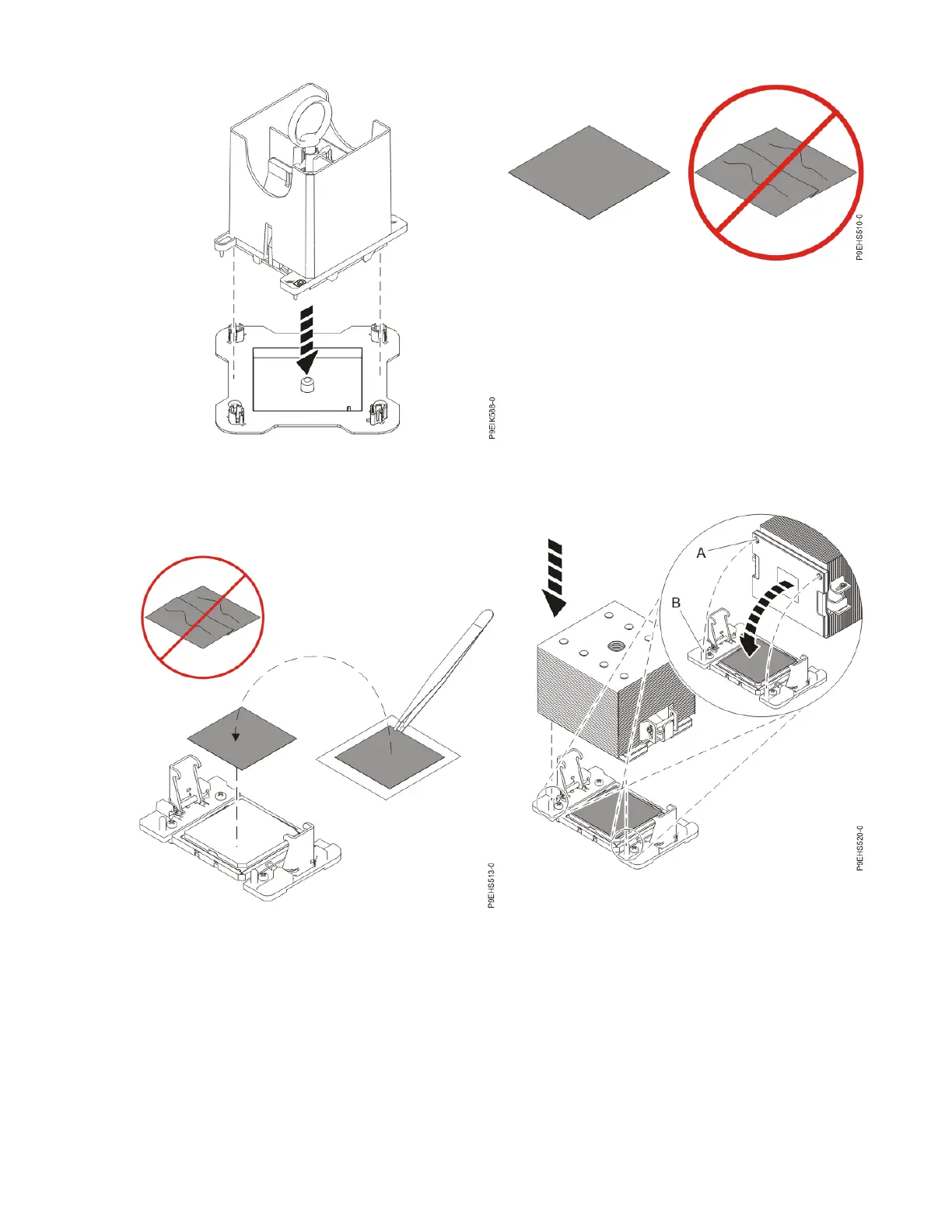
Figure 35. Placing the tool at an angle on the top
cover of the packaging
Figure 36. Inspecting the thermal interface material
If the thermal interface material is damaged,
replace it.
Figure 37. Installing a new TIM onto the system
processor module
Figure 38. Installing the heat sink on the gray-
colored TIM
Installing and removing parts 19



 To Next Page