Setting up your computer
1
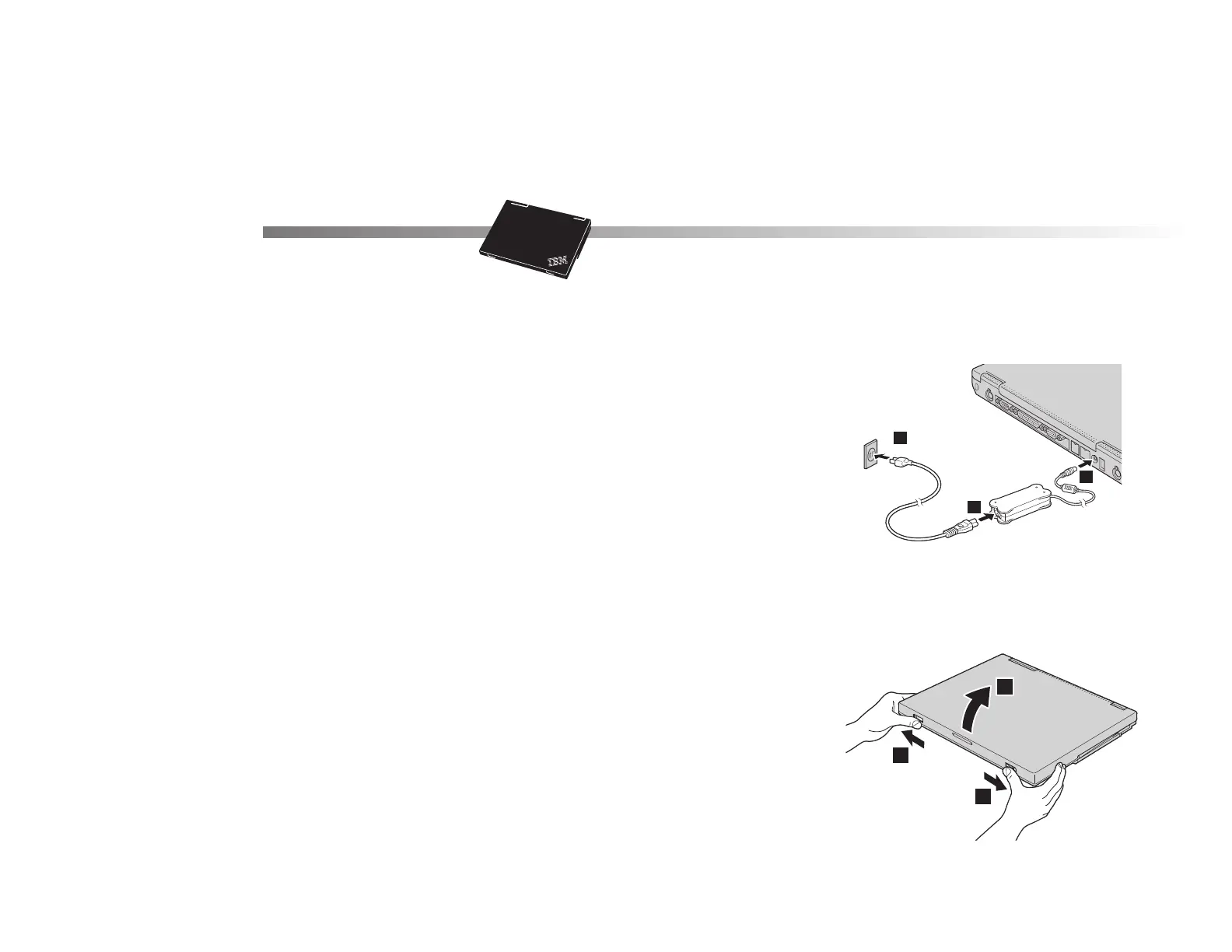
Connecting to a power source.
Connect the ac adapter to the computer's power jack (at
the rear of the computer). Make the connections in the
order shown.
2
Turning on the system.
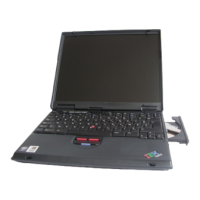
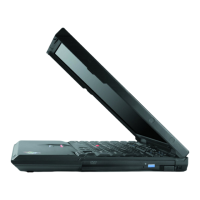
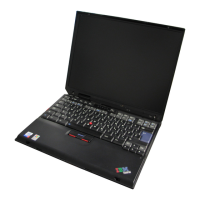
a) Open the liquid crystal display (LCD).
Press the LCD latches .1/ and open the LCD .2/.
Then position the LCD so that it is convenient for
viewing.
1
2
3
1
1
2
2


 To Next Page
 Loading...