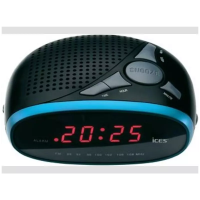
Programming & Playing of FM radio presets
1. Follow the steps for Playing the FM Radio.
2. Press "Scan"button on the remote to search and preset stations in memory,
(i.e. “P01” – this will blink on the display - and then the preset station
frequency number will show on the display).
3. Note: 20 FM stations can be preset.
4. To play the preset Radio Stations, press the "CH-" or "CH+" buttons to cycle
through the preset FM radio stations.
Care of the appliance
Disconnect the appliance from the power source when cleaning.
If the unit becomes dusty, wipe it with a soft and dry duster. Use a soft cloth to
clean this appliance. Do not use any wax, polish sprays, or abrasive cleaners on
the unit.
Caution
Never allow any water or other liquids to get inside the unit while cleaning.
Dispose of used batteries in an environmental-responsible manner. This product
is not intended for commercial use. Household use only.


 To Next Page