EasyManua.ls Logo

Icom BC-72 - Page 9

Icom BC-72
16 pages
Print Icon
To Next Page IconTo Next Page
To Previous Page IconTo Previous Page
Loading...
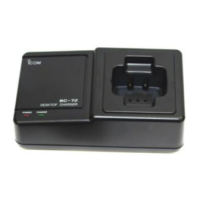
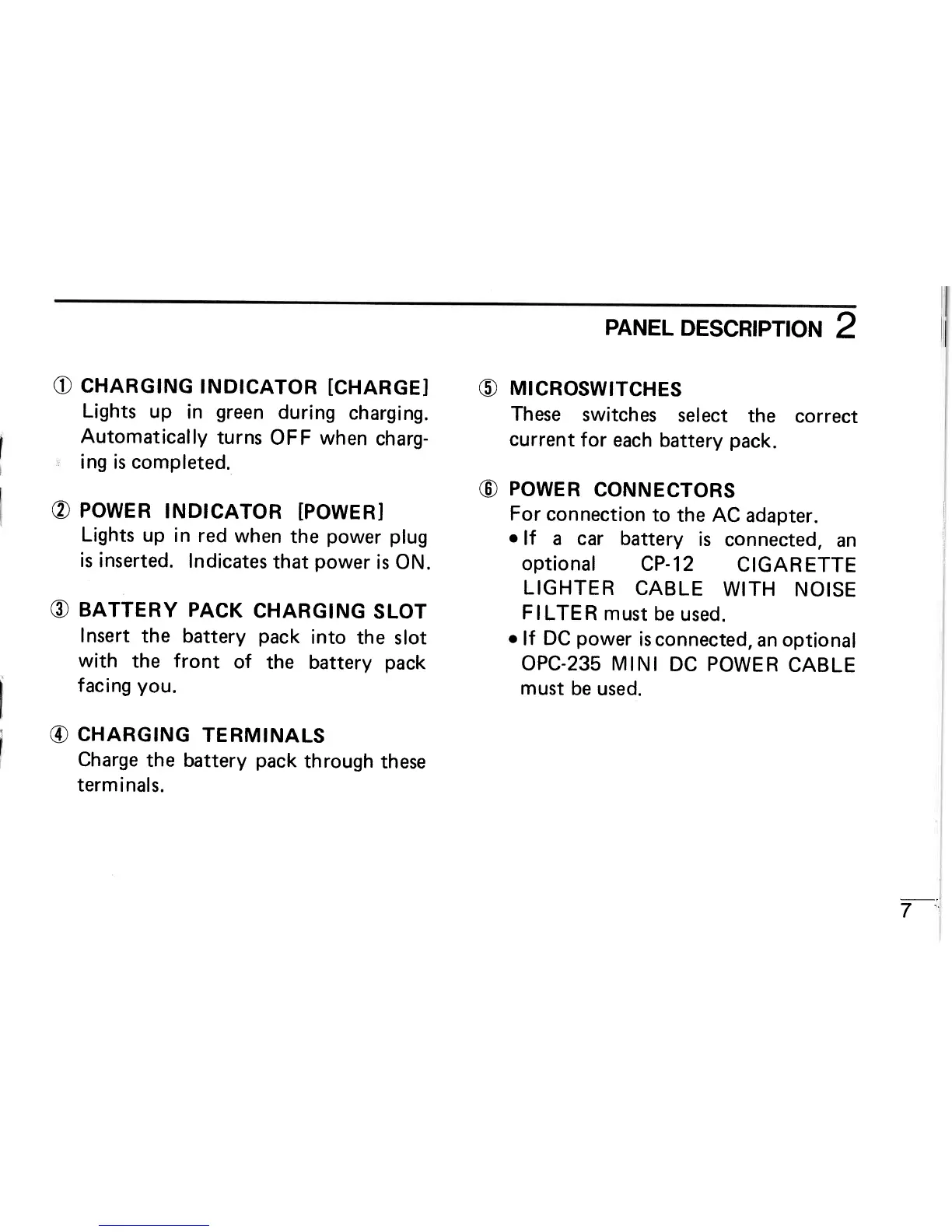
PANEL
DESCRIPTION
2
O
CHARGING
INDICATOR
[CHARGEI
O
MICROsWITcHES
Lights
up
in
green
during
charging.
These
switches
select
the
Automatically
turns
OFF when
charg-
current
for
each battery
pack.
ing is completed.
@
POWER
CONNECTORS
@
POWER
INDICATOR
[POWER] For
connection
to
the AC
adapter.
I
Lights
up
in
red
when
the
power
plug
o
lf a car battery
is
connecte
is
inserted.
Indicates
that
power
is ON.
optional
CP-12
CIGAR
LIGHTER
CABLE
WITH
NOISE
@
BATTERY
PACK
CHARGING
SLOT
FILTER
MUSI
bE
USEd.
Insert
the battery
pack
into
the
slot
o
lf
DC
power
is connected,
an
with
the
f
ront
of
the
battery
pack
OPC-235 M
lN
I DC
POWE
F
f
ac ing
you.
@
CHARGING
TERMINALS
Charge
the
battery
pack
through
these
term
i nal
s.
must
be
used.
7-:i

Related product manuals