Page|8
PressontheComfortbuttontoactivatethismassagemode.Itisthelessintensemassage.
PressontheStretchbuttontoactivatethismassagemode.Thisautomaticmassagemodefocuseson
stretching.
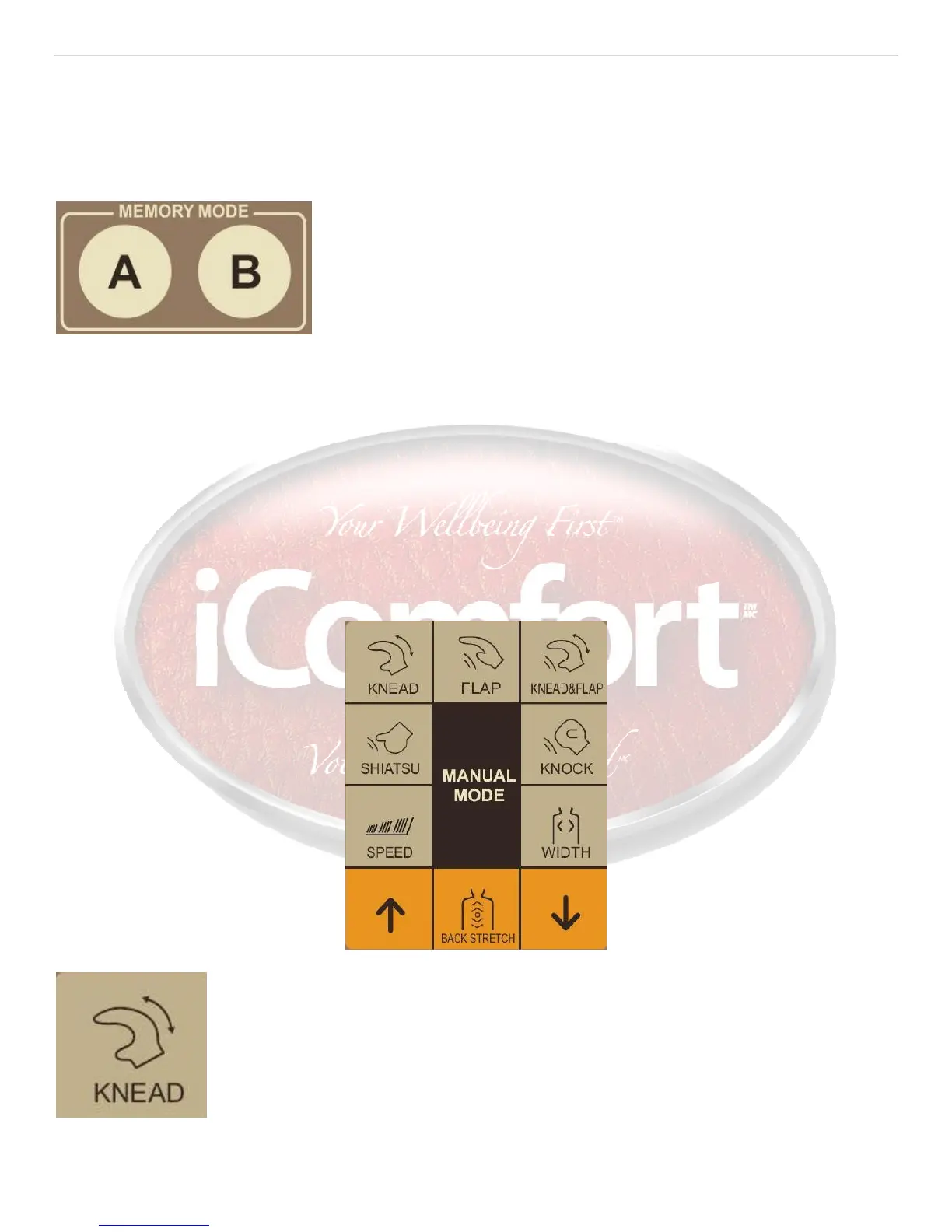
Thememorymodeisdesignedtorememberyourfavoritemassagesettings.Youcanchoosebetween2
memorymodes.
Duringamassageinautomaticmode,presstheOn/OffbuttonortheTimesettingbutton.Allmassage
functionswillstopandthedisplaywillshow‘EE’.PressthememorybuttonAorBtostorethecurrent
massage.ThedisplaywillshowE1orE2.PresstheOn/Offbuttonagaintoconfirmthememorysetting.The
massagechairwillturnoffandthemassagehands,backrestandcalfrestwillmovebacktotheiroriginal
position.Ifyoudon’tpresstheOn/Offbuttonagainthemassagechairwillturnoffautomaticallyafter10
secondsandthemassagehands,backrestandcalfrestwillmovebacktotheiroriginalposition.
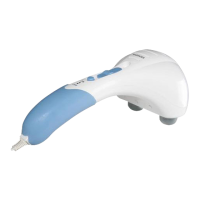
Manualmode


 To Next Page