10
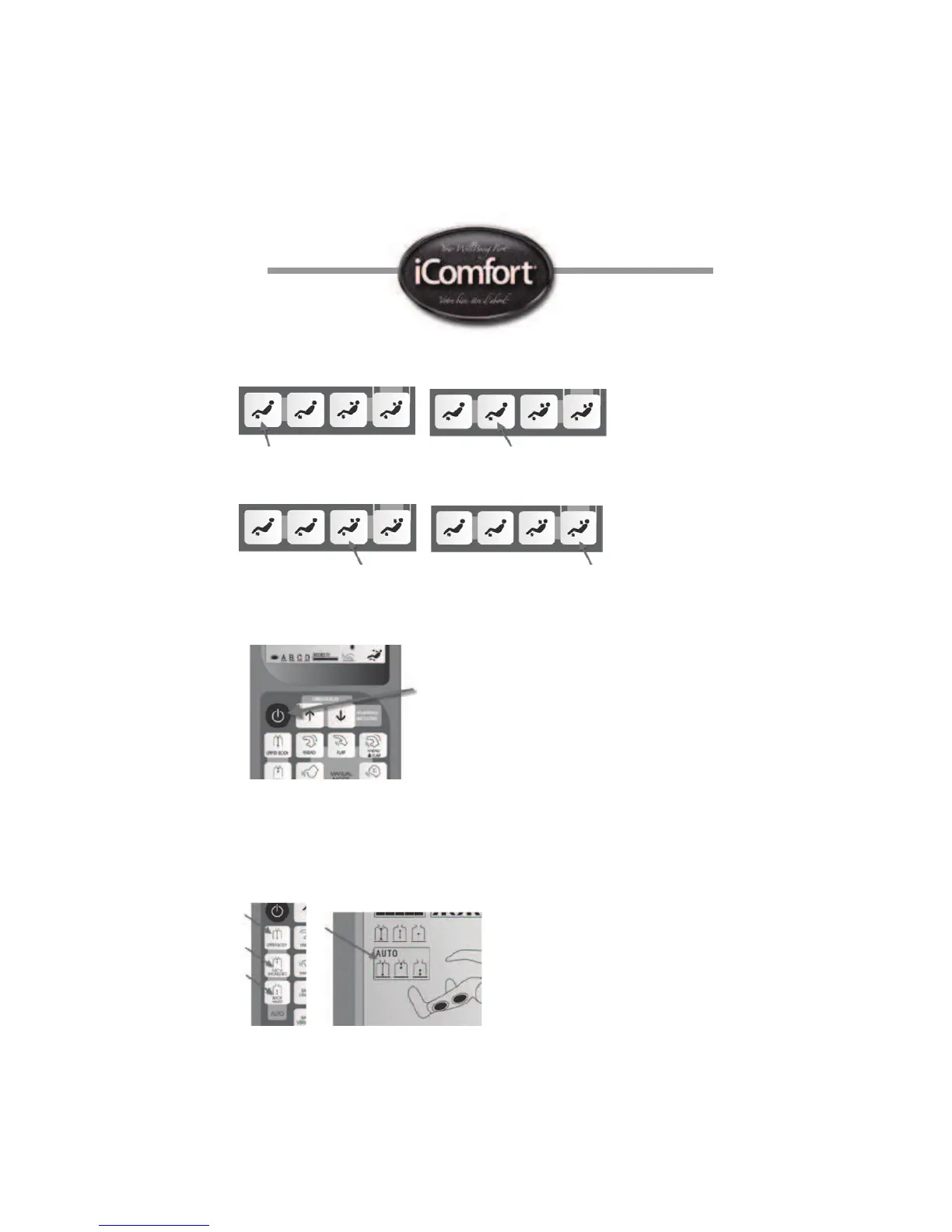
Leg and back section angle adjustments: You can adjust the angle of the leg section
by pressing on the leg up or down button.
You can also adjust both the leg and back section simultaneously for the desired seating
position.
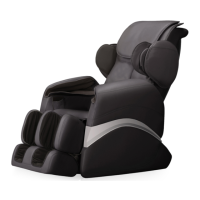
3. Press the power ‘On’ switch on the remote control. Once activated, the ic1020
massage chair will ‘measure’ the length of your spine and after about 7 seconds
start the automatic full body massage. Pressing again turns off the chair.
9. 1. AUTOMATIC MASSAGE ADJUSTMENTS
Back massage area: You can choose a specic massage area for the back during
the automatic massage mode. Upper body (full back), Neck & shoulder (upper back)
or back waist (lower back).


 To Next Page