14
The MP3 music player is situated at the back of the ic1020.
1. Insert the provided SD memory card into the back of the USB adapter.
2. Insert the USB adapter with the SD memory card into a USB port on a PC
computer (Windows XP, 2000, NT and Windows 7). The SD memory card
will be recognized as a removable disk.
3. Download or drag your favorite MP3 type songs from your PC
into the SD memory card.
4. Disconnect safely the USB adapter with the SD memory card from the PC.
5. Turn off the power of the massage chair and open the cover of the MP3 box
behind the chair.
6. Insert the SD memory card into the SD card port of the MP3 box and put the MP3
box back to its original location. Close the cover of the MP3 box.
7. Turn on the power of the massage chair.
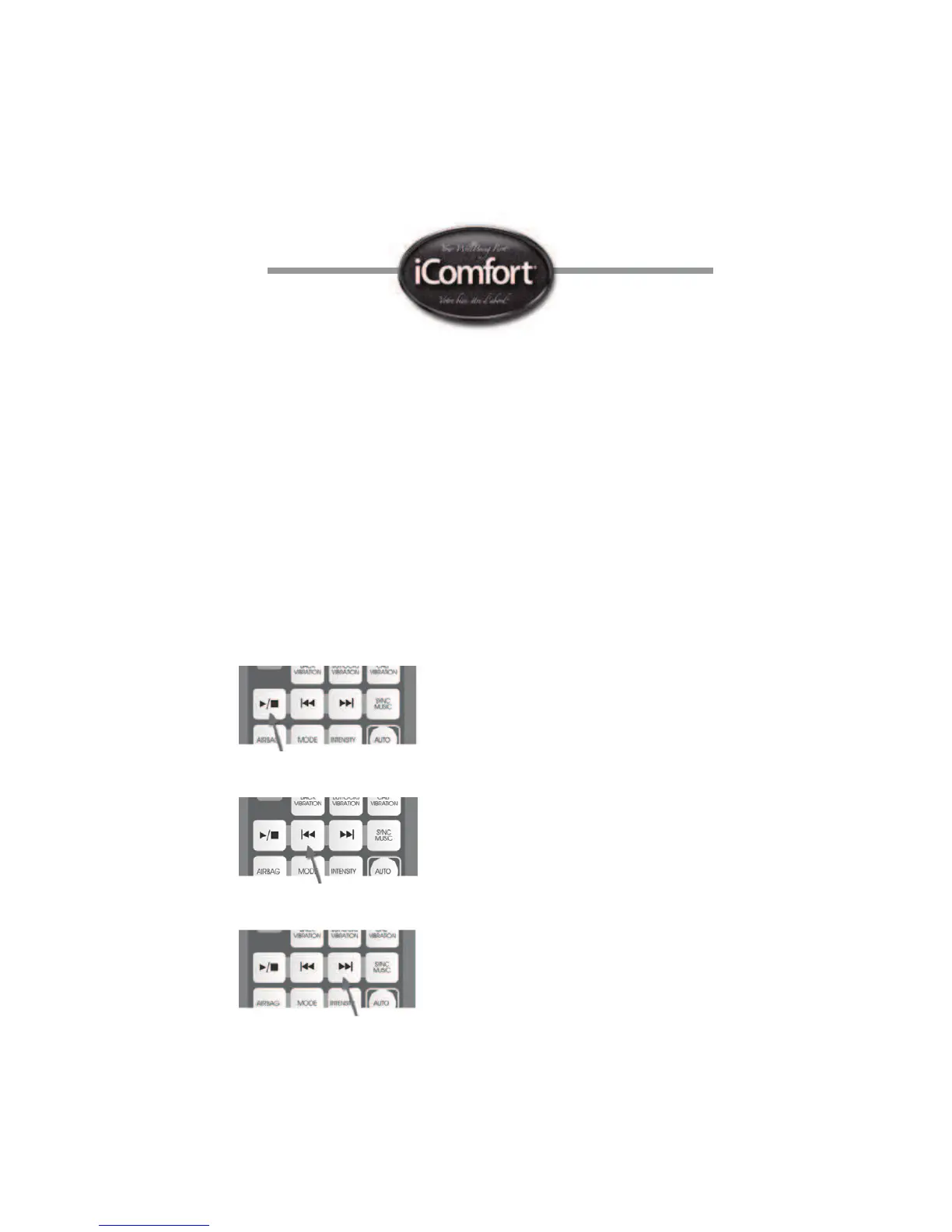
To play your favorite music using the provided headphones, use the dedicated buttons
on the remote control. Pressing on the play button will play the rst song.
Pressing again will stop the MP3 player.
Press on the previous music tune button to play the previous music tune.
Press on the next music tune button to play the next music tune.


 To Next Page