1. Maintain the normal connection of the display and controller.
2. Long press the button (2 seconds) when the display is off.
The display shows the startup interface and enters the basic interface to start work.
3. Long press the button (2 seconds) when the display is on to turn off the display.
If no operation is performed and the speed is 0 for 5 minutes, the display turns off
automatically.
Power on / off
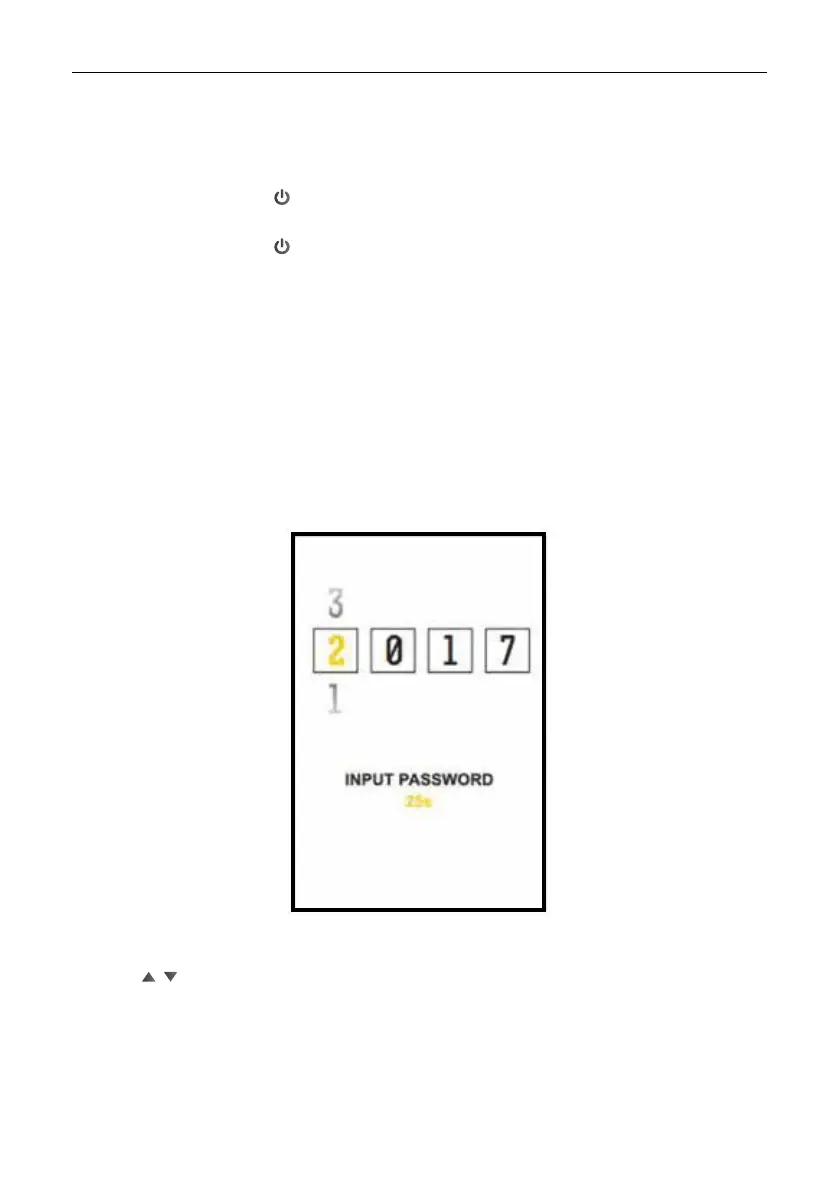
PASSWORD activation
Press M to select the password from left to right.
Press / to select the password number of each digit.
Press M after nishing the insertion.
When the password is correct, the display becomes operational,
when the password is incorrect, re-enter the password.
The PASSWORD function can be enabled / disabled in the setting interface. And the
password can be changed.



 To Next Page