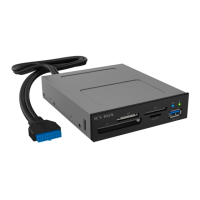
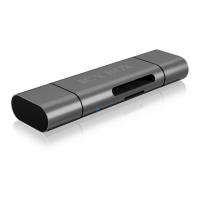
Manual IB-869a
Package content
1x IB-869a
1x USB cable
1x Manual
System requirements
One free USB 3.0 Type-A port
Key features
• Multi card reader for up to 60 memory cards
• Housing made of high-grade aluminium
• USB 3.0 Type-A with up to 5 Gbit/s to host computer
• Status LED for power and access
• Plug & Play
• Windows®, macOS® and ChromeOS® compatible
Installation
1. Plug the USB micro-B connector of the USB cable into the IB-869a and the
USB Type-A connector of the USB cable into a free USB 3.0 Type-A port on
your host computer.
Hint: As soon as the IB-869a is plugged in, the orange status LED lights up.
The IB-869a is automatically recognised by the operating system and is
immediately ready to use.
2. Now insert the desired memory cards into the corresponding memory card
slots of the IB-869a



 To Next Page