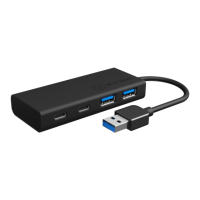
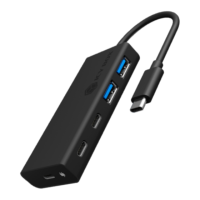
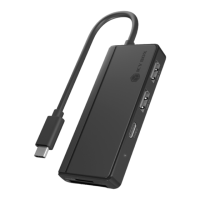
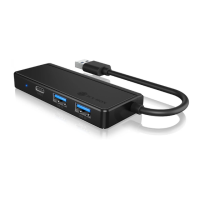
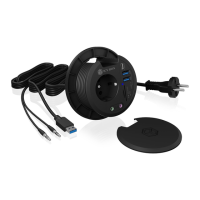
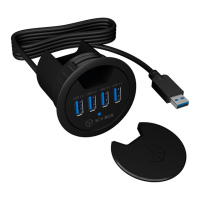
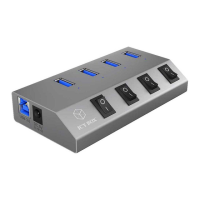
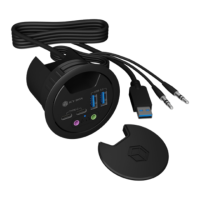
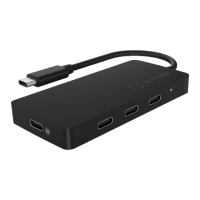
Manual IB-HUB1429-CPD
Usage
1. For the first use of the product, connect the USB Type-C
™
connector to a
USB Type-C
™
interface of your computer.
2. Connect your USB Type-C
™
devices and a power supply to the appropriate ports.
Note: In order to power and charge your connected laptop, its USB Type-C
™
port must
support USB Power Delivery or Thunderbolt 3
™
.
Attention! When plugging in and out an adapter to the Type-C
™
interface of the
IB-HUB1429-CPD, the connected USB devices may get disconnected flashily and then
reconnect in a few seconds, so to prevent possible data loss or corruption, avoid (dis-)
connecting the PD adapter from AC power while transferring data.
Manual IB-HUB1429-CPD
USB
Type-C
USB
Type-C


 To Next Page
 Loading...