1
2
3
877.212.6169
4
5
6
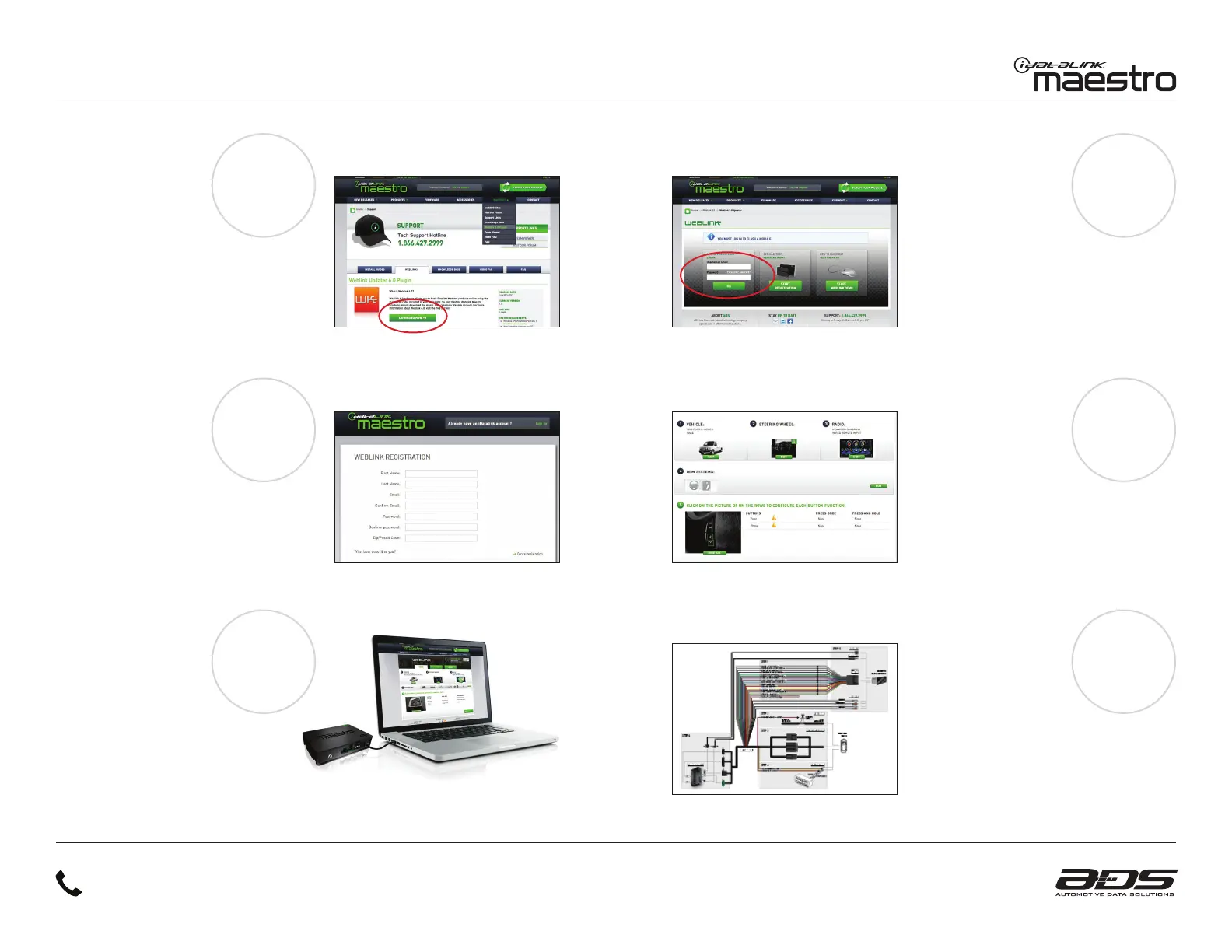
6 STEPS TO GET STARTED
INSTALL THE WEBLINK
PLUG-IN
Go to:
idatalinkmaestro.com/plugin and
follow the installation steps.
Review the System Requirements
before installing.
REGISTER A WEBLINK
ACCOUNT
Go to:
idatalinkmaestro.com/register and
complete the registration process.
A confirmation email will be sent to you
requiring validation.
CONNECT YOUR MAESTRO MODULE
Use the included USB cable to connect
your Maestro module to your PC.
NEED HELP?
LOG INTO WEBLINK
Go to:
idatalinkmaestro.com/login.
Enter your username and
password, then click OK.
PROGRAM YOUR MODULE
Follow the installation steps
until your module is flashed and
download your install guide from
the Web.
Steps shown may vary by product.
COMPLETE INSTALLATION
Follow the steps in your
install guide and complete
the installation.
ADS recommends having Maestro products
installed by a certified technician.


 To Next Page
 Loading...