13
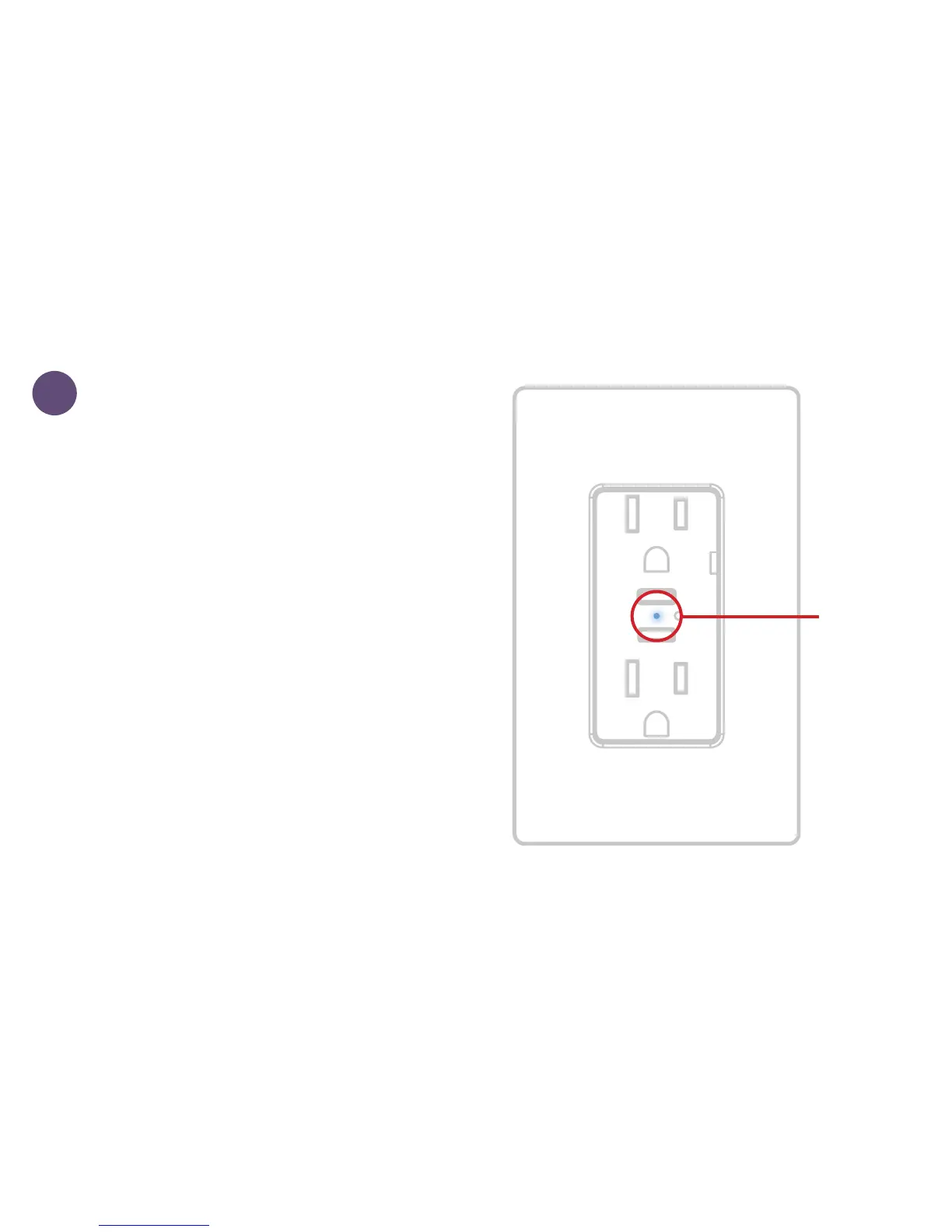
LED will
rapidly
ash blue
when it’s
ready to be
paired.
2
POWER ON OUTLET
Ensure the power/breaker is
turned back ON and the LED
on the iDevices
®
Wall Outlet
is rapidly ashing blue. Note:
If the LED is not ashing blue
rapidly, hold either of the ON/
OFF buttons until the LED
blinks red, then release to
perform a device reset and
re-enter pairing mode. At this
point, the LED will rapidly
ash blue.


 To Next Page