17
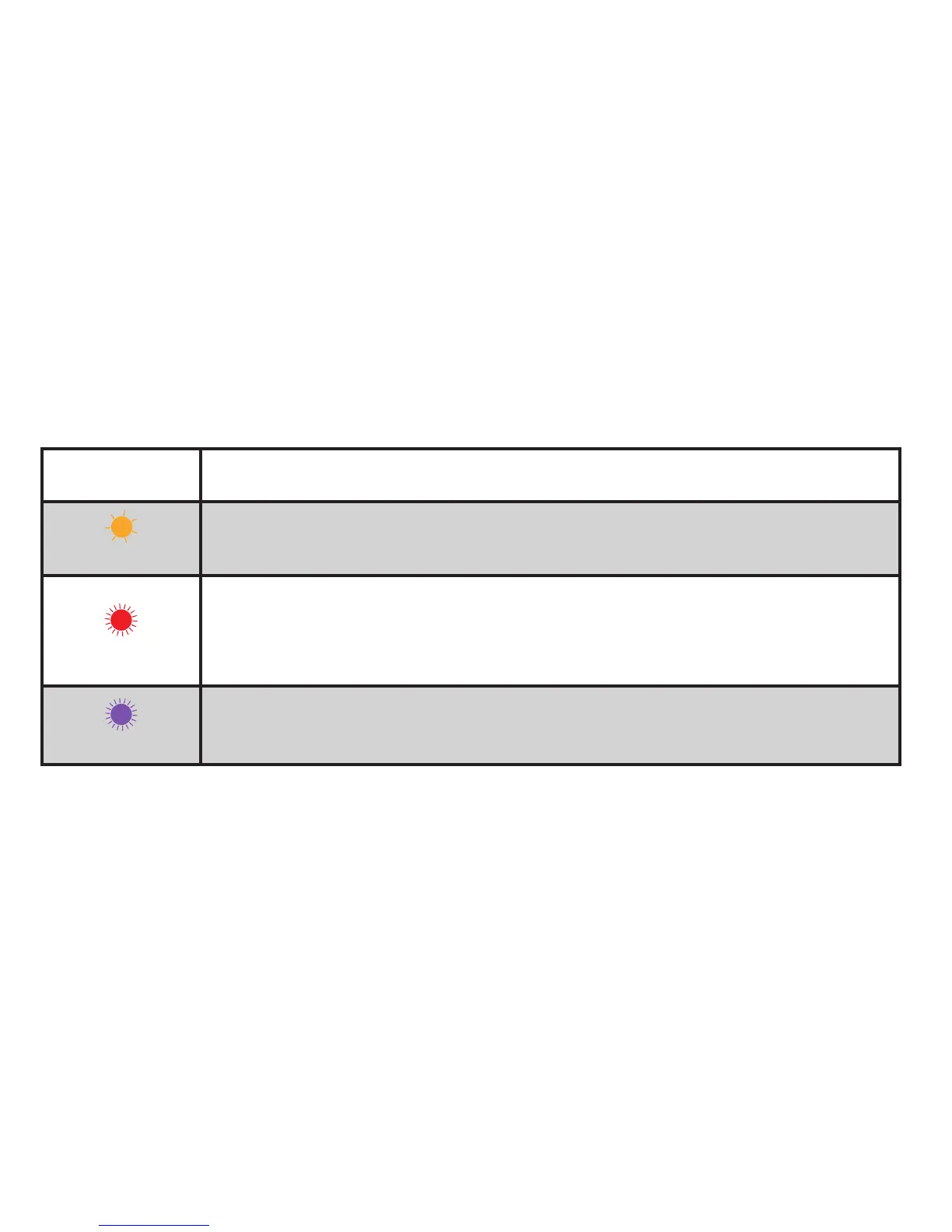
LED State Description
Orange Flash
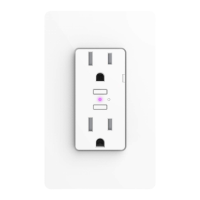
When Wall Outlet has lost the connection to the Wi-Fi
®
network, (e.g., the link
is down) the LED slow ashes orange until the link is up.
Red Flash
To initiate a device reset, which will clear all Wi-Fi
®
and pairing information,
hold either ON/OFF button down for 10 seconds until the LED rapidly ashes
red. When the button is released the unit will reboot and re-enter the pairing
mode.
Purple Flash
When Wall Outlet receives a request to identify itself, or a software update is
being performed, it ashes purple.


 To Next Page