Items in box
The remote control has been coded/paired with the receiver of the aircraft at
the factory. It is not necessary to modify the settings of the remote control. Do
not touch the fine-tuning buttons of each channel of the remote controller.
Otherwise, the aircraft/remote controller will not work.
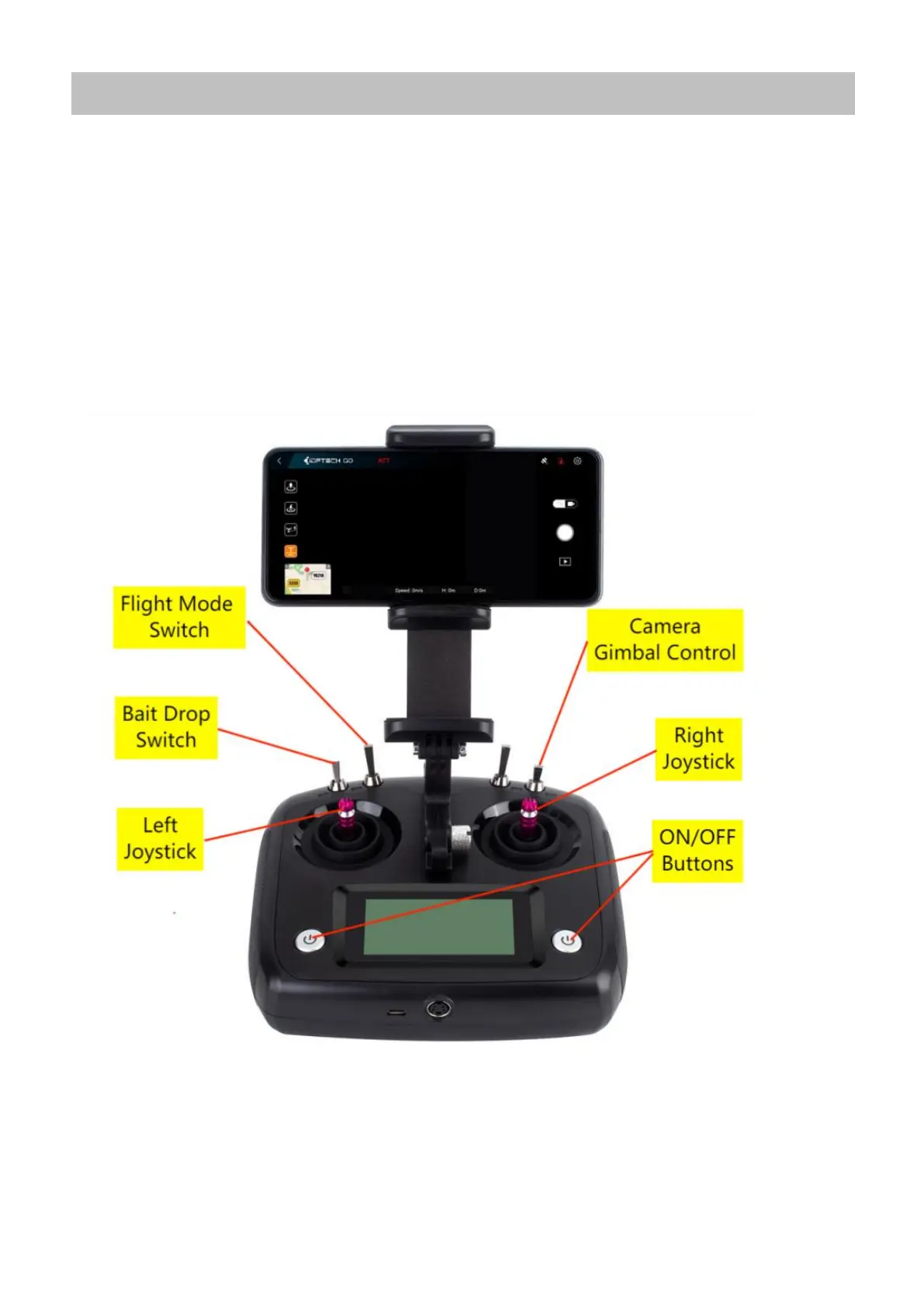
(The picture of remote control below in Mode 2/Factory Setting)
Note: When switching on the remote control, ensure the switches are set to the top position,
otherwise the remote control will display a warning.
IMPORTANT: The FLIGHT MODE Switch should be set to “GPS Hover” for new Pilots at ALL Times during
normal Flight (Please refer to the Flight Mode Section later in this Product Manual).



 To Next Page