• Note: The following screens may not appear for Windows ME installations.
• Once the system comes up and after the Windows “desktop” re-appears, plug in
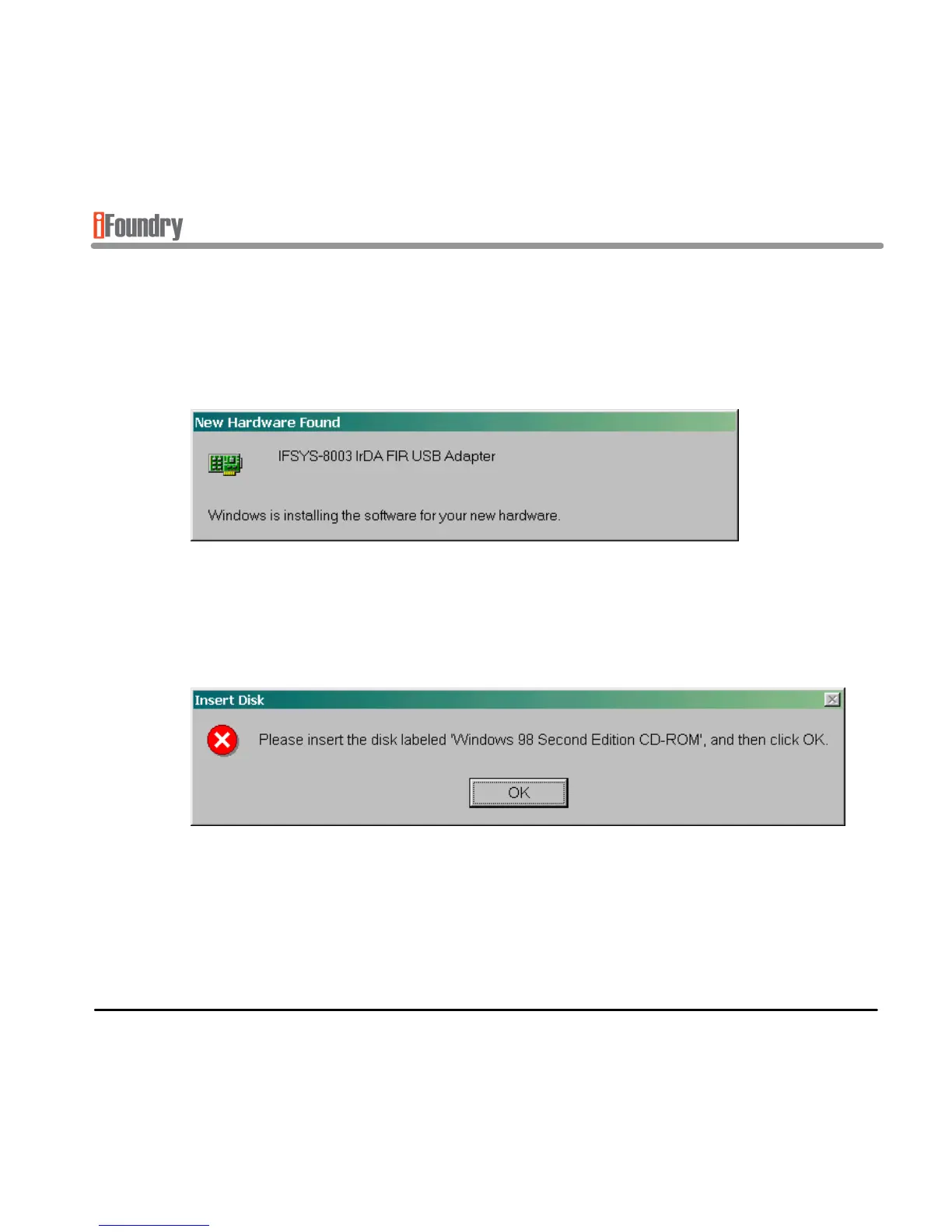
your adapter. When you have done so, you will see the following screen.
This means that Windows has detected the adapter and is installing the driver for
it. You may encounter the following message requesting the Windows CDROM,
as shown below.
• Insert the Windows CDROM into the CD drive as requested and press OK.



 To Next Page