Program 1 Press Set to access the setup
menu.
You can change the start time by pressing
the Set.
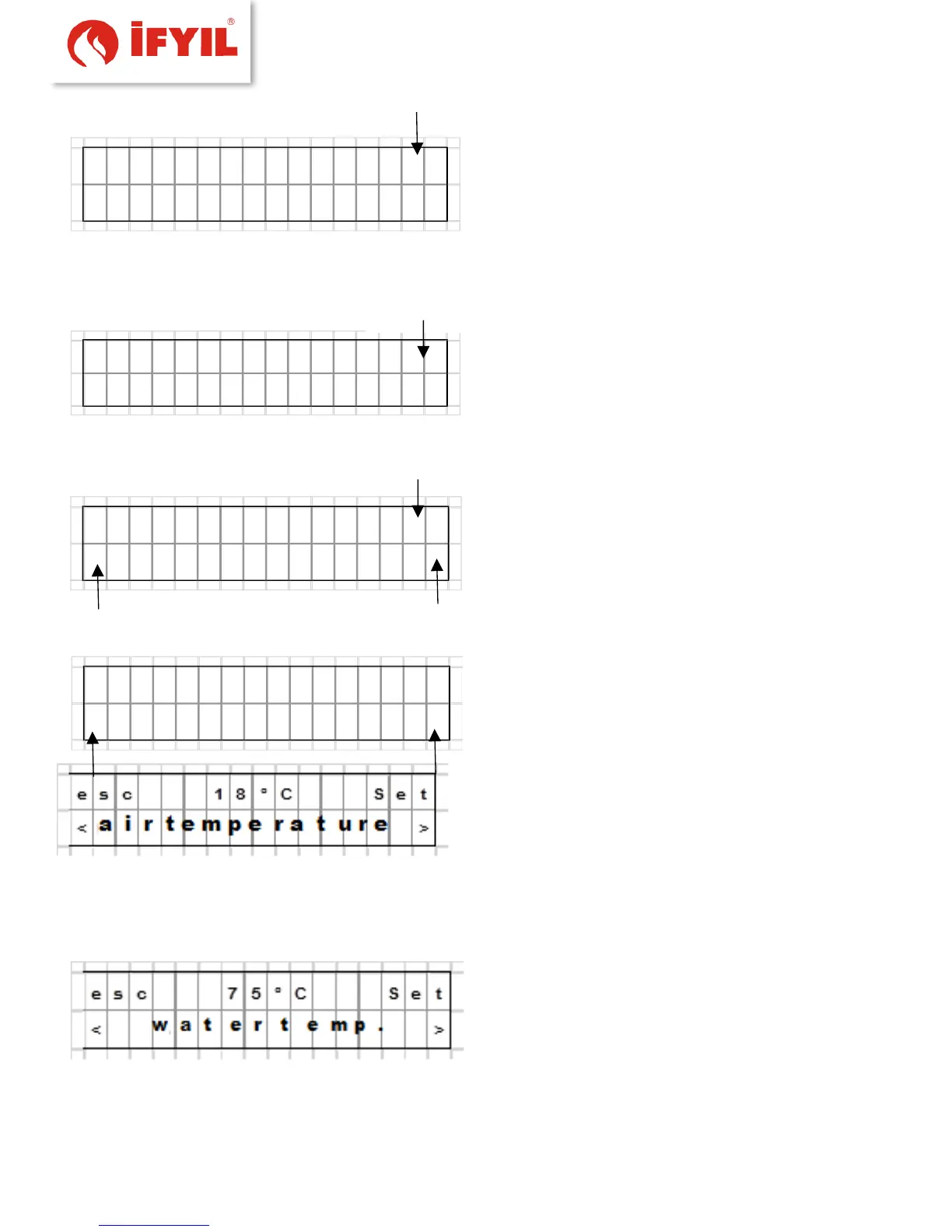
figure5-22- Program screen
The desired start time using the buttons shown; set at 15 minute intervals
figure5-23- weekly program start time screen
for confirmation press OK.
figure5-54- weekly program start time setting
figure5-25- weekly program stop time setting
figure5-26- ambient temperature setting screen
After confirmation, one can return to the STOP menu. Start time and the stop time are
set in the same manner as confirmation.
figure5-27- water temperature setting screen



 To Next Page