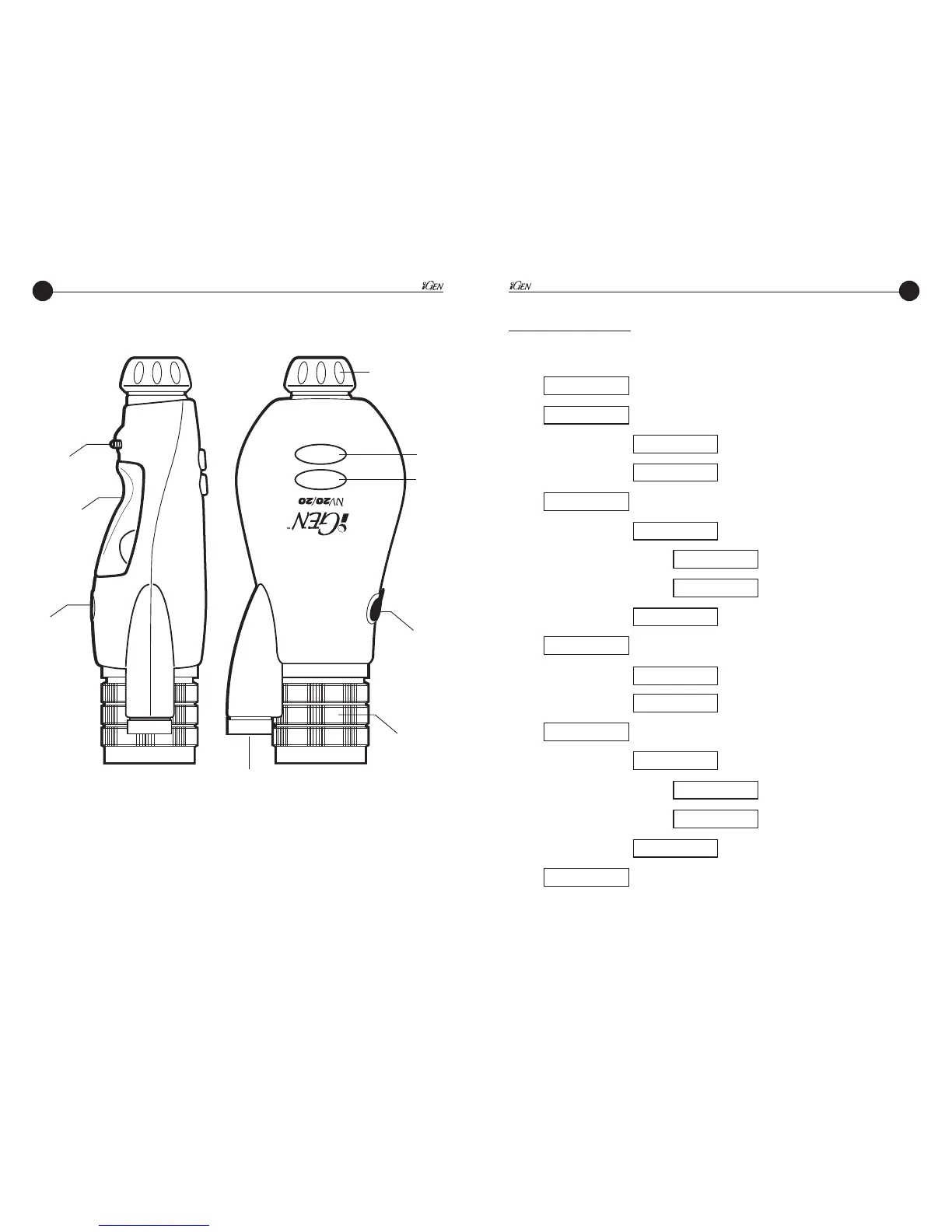
CAUTION:
Do not point Infrared Emitter directly into eye at close range.
Keep out of reach of children.
The infrared emitter emits a BRIGHT, although invisible, beam of light.
As with any bright light, do not point into the eye.
Menu System
The menu selections are:
EXPOSURE (Adjustable from 2fps to 30fps)
AUTO OFF (1.2.3.4.5.10,15,20,30,45 minutes or OFF)
IR
MAIN
DISPLAY
ON-OFF
ON
OFF
BRIGHTNESS (1,2,3,4)
COLOR (white, red, green, amber)
IMAGE
TEXT
SYSTEM
VIDEO
NTSC
PAL
VERSION displays software revision level
EXIT
11


 To Next Page