11
CZ
SK
EN
PL
HU
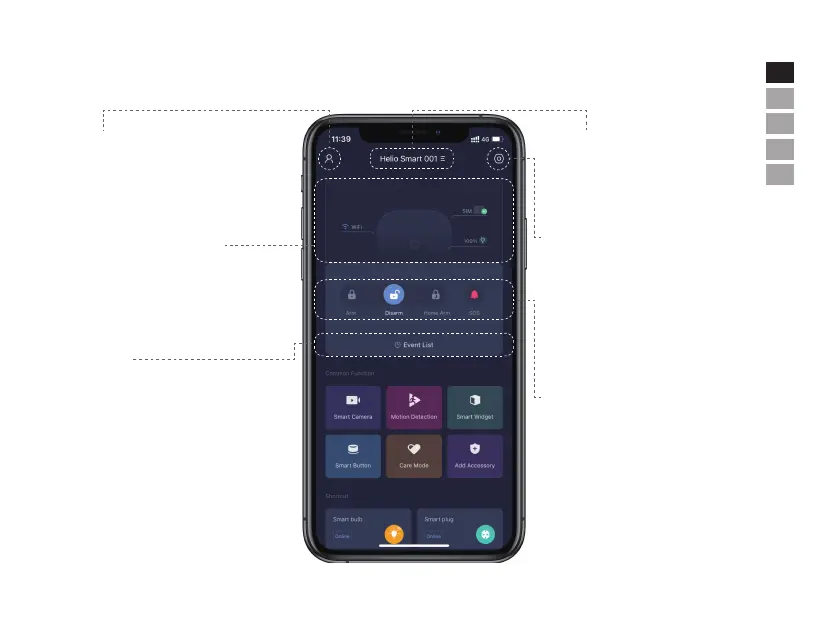
APP Operation Introduction
• Home Page
User Settings
The entry for all account settings.
- Device List.
- Account Information: Phone, Email and
Password.
Device List
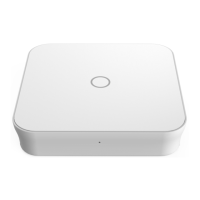
Select the panel to be managed from
dropdown list.
- Add/Remove panels.
System & App Settings
The entry for system settings and App
settings.
- Add/remove accessories.
- Configure system settings, eg: Exit Delay,
Entry Delay, Duress Alarm
,
etc.
- Network settings and advanced settings.
Real-time Status Diagram
It shows a real-time system status and the
quality of network connection.
Colors and icons are used here for better
illustration.
Security Status Control
Change the system status between
Arm-Disarm-Home Arm-SOS.
Event List
An event is an operation conducted by users
or status change triggered by accessories.
All events are sorted by time. Tap the top
right coner on event list page to filter door/
window status or/and tamper alarm in
Disarm mode.


 To Next Page