7
CZ
SK
EN
PL
HU
• Set up Password
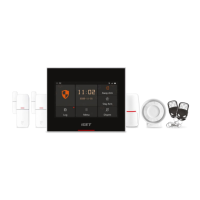
- Aer successfully connecting the panel, please rename the device and setup a password for future configuration purpose.
• Configure the Wi-Fi Setting of the Panel
- Select the Wi-Fi you want the panel to connect with and input the password to finish setup.
• Check Setting
- Make sure your mobile phone has been connected to the Internet via cellular or Wi-Fi.
- Try pressing ARM/DISARM button in the App, to see if the status icon would be changed accordingly
.
- Try using remote control, pressing ARM / DISARM button to see if the status icon in the App would be changed accordingly.
• Installation
- Close the battery cover.
- Place the panel on a desktop or mount it on the wall.


 To Next Page