iHear Medical, Inc.
15250 Hesperian Boulevard #102
San Leandro, CA 94578 USA
+1 (844) IHEAR44 (1-844-443-2744)
support@ihearmedical.com
www.ihearmedical.com
Part No. 06-00121-001-C | Released Under DCO 0811
®
®
IMPORTANT INFORMATION - PLEASE READ
TREO-EZ-GUIDE
08-00121-001-C
© 2018 iHear Medical, Inc.
All rights reserved. iHEAR, TRēO by iHEAR
and TRēO are trademarks of iHear Medical, Inc.
U.S. & international patents issued & pending.
Easy Setup GUIDE
USE ONLY iHEAR TIPS - DO NOT USE other manufacturer’s
Tips as they are NOT COMPATIBLE with the TRēO.
Tip needs to be replaced after 30 days of use for optimal
performance and hygiene.
Optimizing your Sound Profile Volume
Now that you have selected your Sound Profile, you can
adjust the volume in 2-steps for better clarity.
5
If you experience problems understanding soft
speech level, boost your Sound Profile Volume by
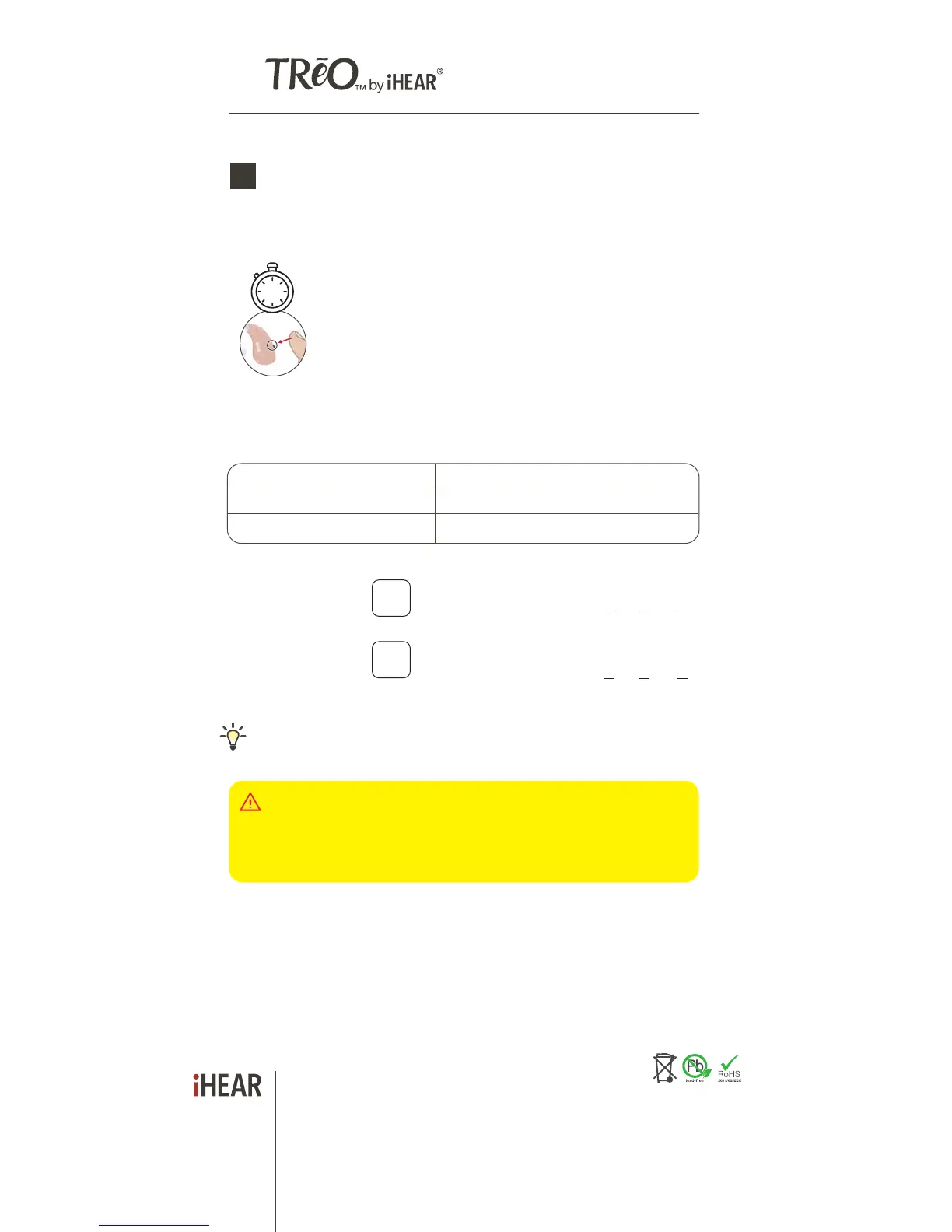
pressing the button for 2 seconds (long press) until
you hear a high frequency beep. Repeat the volume
boost for improved loudness and intelligibility. You
have a maximum of 2 level boosts. You will hear a
tone when the level has successfully boosted. You will
hear 3 beeps when maximum volume is reached. To
return to default volume boost setting, you must open
and close the battery door.
ACTION FUNCTION
SHORT PRESS Change sound profile (1-4)
LONG PRESS (2 sec) Boost Volume
PRESS &
Hold 2 Sec
2
[NO BOOST]
YOUR LEFT EAR
SOUND PROFILE#
[NO BOOST]
YOUR RIGHT EAR
SOUND PROFILE# CIRCLE YOUR BOOST LEVEL
0 1 2
Left and right may have different boost levels due to different
listening preferences.
CIRCLE YOUR BOOST LEVEL 0 1 2
Selecting the correct Tip size
1
https://www.ihearmedical.com/treo-video-1
Watch video
Speaker
a. Gently INSERT the Tip (attached to the TRēO) into your
ear canal (blue - left | red - right).
b. TUCK the TRēO behind your ear.
c. Gently PUSH the Tip into your ear canal to ensure it fits in
securely.
Too tight? Go down a size. Too loose? Go up a size.
Correct Tip size should feel snug but comfortable in
the ear.
Each ear canal may require different Tip sizes.
Feeling too plugged up? Try a Vented Tip.
https://www.ihearmedical.com/treo-video-2
Watch video
RECORD YOUR TIP SIZE L R
Determine your Tip size by using the Closed Tip - use only
Closed Tip to start.
CLOSED VENTED
Start with the Tip already attached to your TRēO(s).
Tip(s) should be securely attached to the speaker.
click
speaker
iHEAR batteries, Cleaning Wipes and Tip replacements are available
through our on-line store at www.ihearmedical.com or through customer
support at 1 (844) IHEAR44 (1-844-443-2744).



 To Previous Page
 Loading...