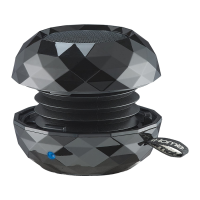
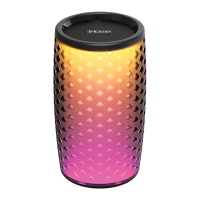
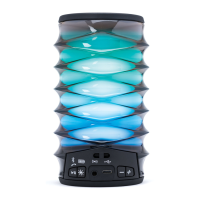
Locking and Unlocking the iBT62
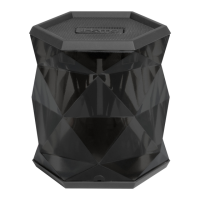
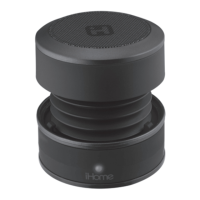
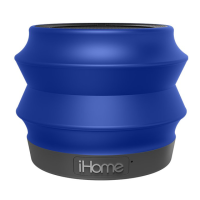
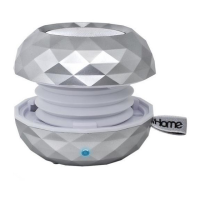
To compress and lock speaker, gently press speaker down from the top
and twist clockwise to lock in place.
To unlock and expand the speaker, grip the top and bottom and give a
small twist counter-clockwise. DO NOT pull hard once open, as the built
in spring will automatically extend the speaker to its proper position.
Charging the iBT62
The iBT62 is powered by a rechargeable battery in the speaker. Make
sure to charge speaker before use.
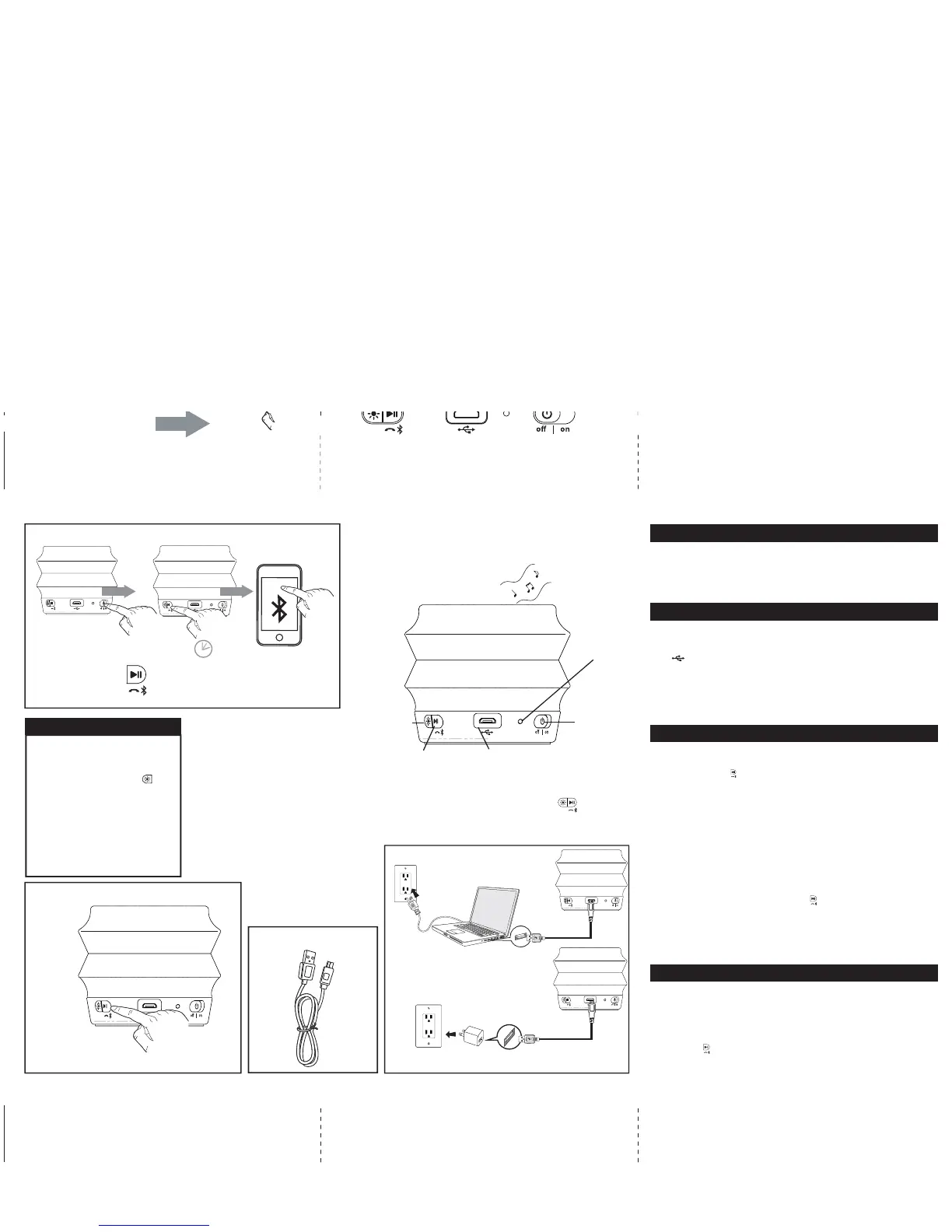
• Connect the micro-USB plug on the included charging cable to the
USB Charging jack on the speaker.
• Connect the larger USB plug to a powered USB port, such as that on
a computer. Your computer should be connected to a wall outlet
when speaker is charging. The light on the speaker will turn to solid
red while charging and turn off when fully charged.
• If the LED flashes red, or you notice sound distortion at higher
volumes, or there is no sound at all it's time to recharge the battery.
Using Bluetooth with the iBT62
• Slide the Off/On Switch on the speaker to the on position.
• Press and hold the Bluetooth Pairing Button for 2 seconds. The LED
will flash blue and red, a tone will sound as the speaker attempts to
pair with a Bluetooth device.
• Place your audio device in Bluetooth mode (often found in the
device’s Settings or Tools menu) and make it “discoverable”. “iHome
iBT62” should appear on your device’s Bluetooth menu. Select it to
connect. If your device asks for a passcode, enter ‘1234’.
• Once paired, the light will glow solid blue and a confirmation tone will
sound. You can then stream audio to the speaker. If pairing is not
successful, turn the power off on the speaker and repeat pairing
procedure.
• To listen to Bluetooth audio, make sure the Off/On Switch on the
speaker is in on position. Press the Play/Pause Button to cycle
between play and pause modes.
• Control audio volume and track navigation from your device.
Remember to turn off the speaker and your device after listening.
NOTE: When unit is charging, the blue light will appear solid red.
Using the iBT62 Speakerphone Mode
The speaker must be on and connected to a paired Bluetooth phone
to receive calls. When a call comes in, any playing audio is paused,
the LED will flash blue 2X and the ringtone associated with the caller
may sound, depending on Bluetooth device.
• Press the End/Answer Call Button to answer the call. Press again
to end the call.
Charging the iBT62
CHARGE BEFORE USE
Computer USB port
USB AC adaptor
(not included)
USB AC adaptor
connected to working outlet
Computer
connected to
working
outlet
Model: iBT62 speaker phone
IB (English) Taide
Size: 324Wmm x 184Hmm
Color: Print in Black color
Date: Nov. 16, 2015
End/Answer Call/
Play/Pause/
Bluetooth Pairing
Button
USB Charging Jack
Lighting
Effects Button
Bluetooth Mode
Switch
Speaker
ON
Speakerphone Mode
charging cable included
Charging cable
Press to answer and end calls
Press and hold to pair
Press to play and pause audio
2 Sec
Off/On
Switch
When speaker is switched
on, the LED color change
mode turns on in Fast Color
Cycle mode. Press the
Lighting Effects Button to
cycle through 4 lighting
effects modes:
• Fast Color Cycle
• Slow Color Cycle
• One Color (press when
desired color is showing)
• Lighting effect Off
Color Changing Mode
Microphone
LED
charging/
pairing
indicator
iHome iBT62



 To Previous Page
 Loading...