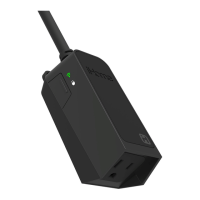
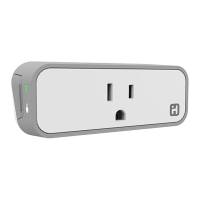
SMARTPLUG
QUICK START GUIDE
1. Make sure your mobile device is connected to your preferred
Wi-Fi network.
2. Download and open the free iHome Control app from the
App Store or Google Play.
(Apple: iOS 8.1 or later; Android: Jelly Bean 4.2 or later)
3. Log in or Sign Up for an iHome account.
4. Plug the SmartPlug into a desired outlet. The Green LED will
start blinking to indicate it is ready for setup.
5. Tap ‘’Search for Devices” and follow the on-screen directions
to complete setup.
6. When prompted, enter the Accessory Setup Code below to
complete setup.
Note: To add more plugs (or repeat the plug setup process),
tap the “Devices” icon and then tap “Add Device.”
7. For troubleshooting visit www.iHome.com/support/smartplug
iSP5
PIN LABEL



 To Previous Page