EasyManua.ls Logo

Ihse Draco tera 480 Series - Flex-Port Extender Units

Default Icon
261 pages
Print Icon
To Next Page IconTo Next Page
To Previous Page IconTo Previous Page
Loading...
Configuration
2020-02-26 121
Java Tool
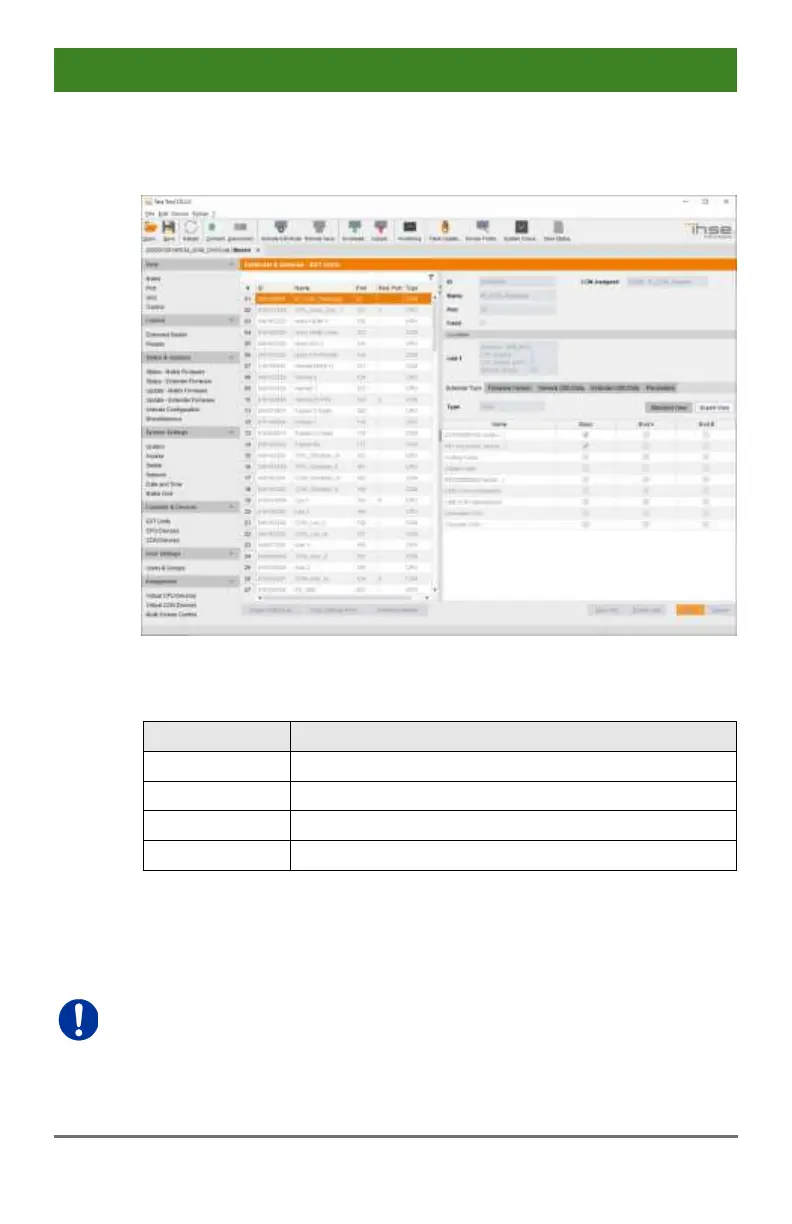
Select Extender & Devices > EXT Units in the task area.
Menu Extender & Devices - EXT Units
You can select the following buttons:
Button
Function
New
Create a new extender unit
Delete
Delete an existing unit
Apply
Confirm changes of an extender unit
Cancel
Reject changes
5.6.1 Flex-Port Extender Units
Extenders with auto-ID functionality are automatically recognized and
cannot be created manually. This is the Flex Port function of the matrix.
The connection of a fixed port extender unit (e. g. USB 2.0) to a Flex-Port
can cause unintended results.
Pos: 75 /806-IHSE/ zz_Layout/S eitenumbruch @ 8\mod_1348 581820516_0.d oc @ 69462 @ @ 1

Table of Contents

Other manuals for Ihse Draco tera 480 Series

Related product manuals