Draco tera
44 2020-02-26
Pos: 36 /806-IHSE/ Beschreibu ng/Syslog M onitoring/480-xx @ 8\mod_135 1496895799_6. doc @ 69482 @ 2 @ 4
3.9 Syslog Monitoring
The complete logging of the Draco tera matrix activities, switching
operations and surveillance of the function of critical components like fans
or power supply units takes place in this menu.
You have the following option to access the menu:
In order to start Syslog Monitoring proceed as follows:
➔ Select the symbol Monitoring in the symbol bar.
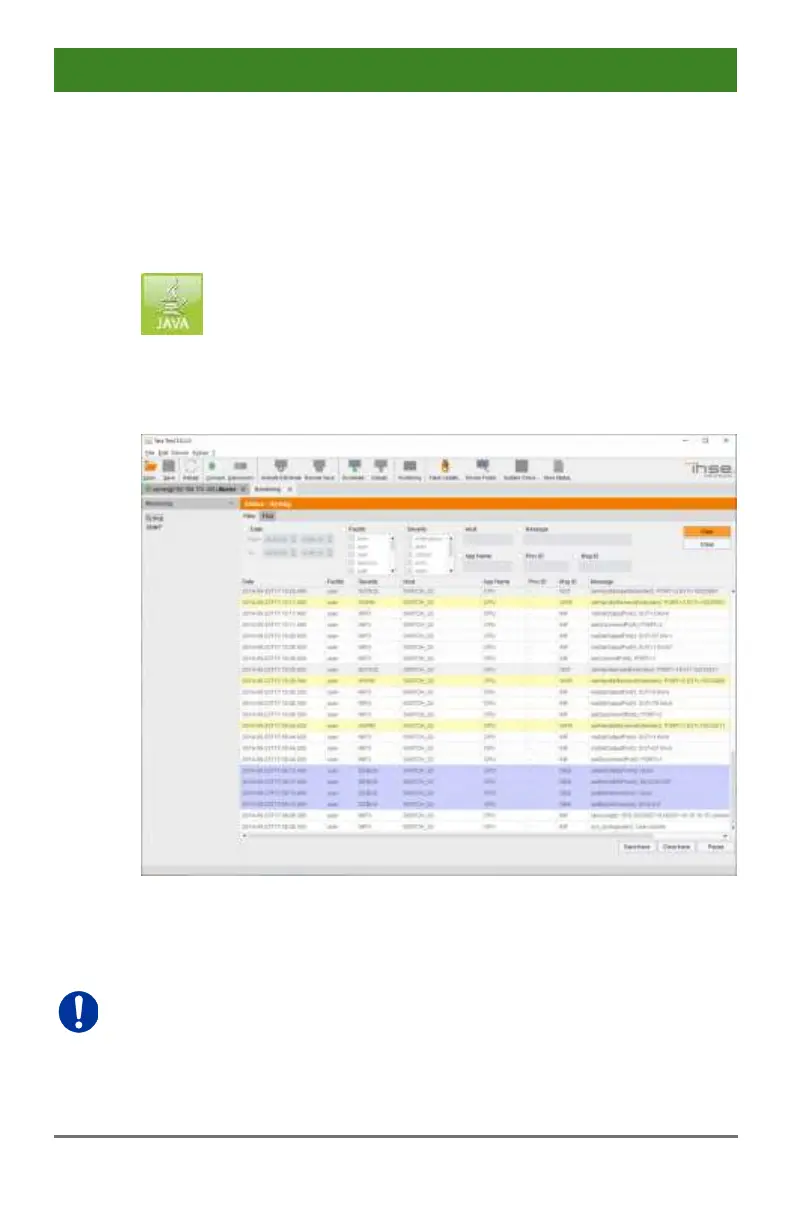
Menu Monitoring - Syslog
Logging of system activities starts when the Monitoring menu is opened
and remains active until the tab is closed.
Syslog messages are transmitted via UDP. Therefore, port 514 within the
used network should not be blocked, e.g. by a firewall.
During logging the activities are written continuously into logging files and
stored locally. This process can be set with various options.



 To Next Page
 Loading...
