ENGLISH
OPERATING THE MONITOR 17
Adjustment Item Problem / Option Button to Press
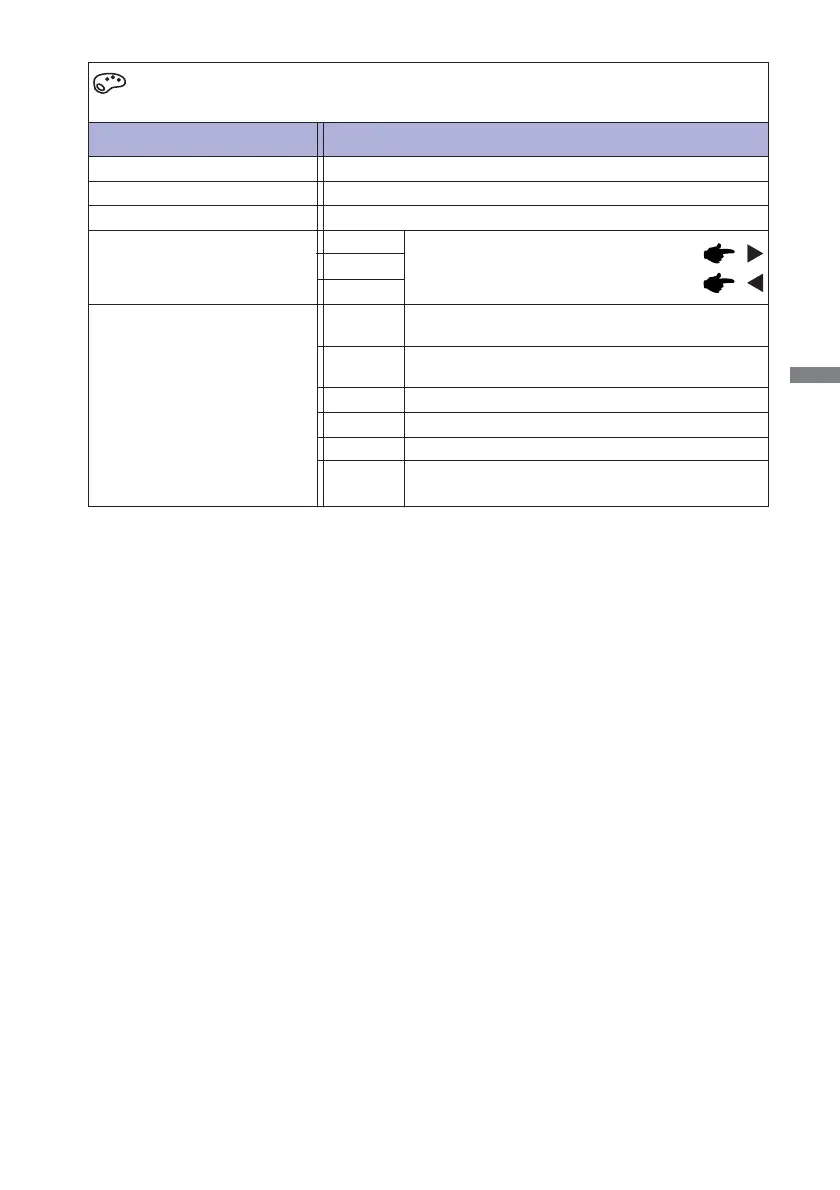
Color Adjust
*
1
Cool, Normal, Warm and User Color adjustments are disabled when i-Style Color or Blue Light
Reducer is activated.
*
2
i-Style Color adjustment is disabled when Blue Light Reducer is activated.
i-Style Color *
2
Standard
For general windows environment and monitor
default setting.
Text
For text editing and viewing in a word processing
environment.
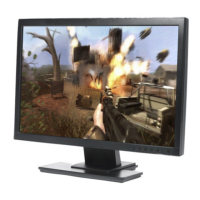
Game
For PC game environment.
Cinema
For movie and video environment.
Scenery For displaying outdoor scenery images
Off
Return to a state set by color adjustment except
i-Style Color.
Too weak
Too strong
User Color *
1
Bluish white
Red
Green
Cool *
1
Reddish white
Normal *
1
Greenish white
Warm *
1
Blue






 To Next Page