Need help?
Do you have a question about the Ikan PT-ELITE-U-RC and is the answer not in the manual?
Secure the Glass Frame to the iPad Mount using two Socket Head Countersink Screws.
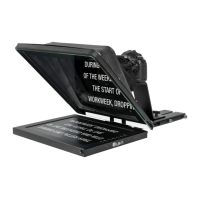
Insert the prompter glass into the frame, ensuring the reflective side faces outwards, and secure with brackets and screws.
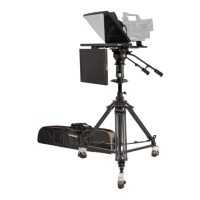
Adjust camera positioning forward/backward using thumb screws and vertical/horizontal using hex screws.
Attach the large baseplate rods to the rod clamp for camera mounting.
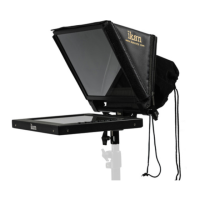
Attach the magnetic hood to the glass frame of the teleprompter.
Mount the Quick Release Plate to the Large Baseplate using Socket Head Countersink Screws.
Find more dynamic information on the official website.
Contact support via email for assistance.
Details free service period, fees for expired warranty, and exclusions for service.
 General
| Brand | Ikan |
|---|---|
| Model | PT-ELITE-U-RC |
| Category | Professional Video Accessories |
| Language | English |

 To Next Page