1.Power On
Long press power button for 3 seconds to turn on, the
screen shows the boot animation.
2.Power Off
Press and hold the Power button for 4 seconds to
turn off in the power on state.
3.Menu Operation
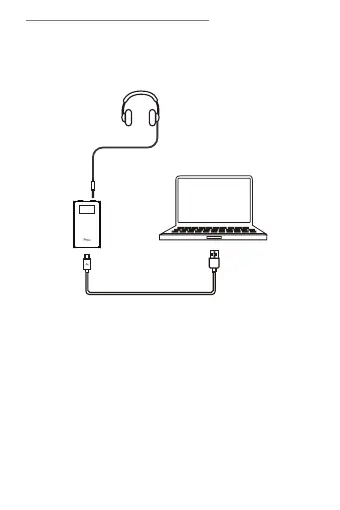
③ Connecting your computer via iKKO USB-C to USB- A
Cable, the screen shows the wired connection icon.
Function Operation
18


 To Next Page