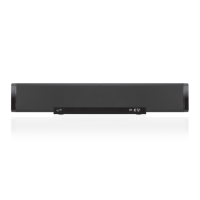
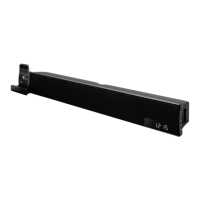
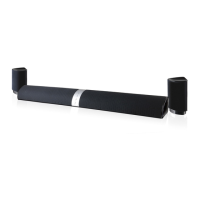
Overview & Controls
Power ON/OFF
• Switch to ON or OFF position.
Aux Input (3.5mm)
LED Charging Indicator
DC Input
Lights ON/OFF
• Switch to ON or OFF position
Features
• Bluetooth 5.0
• Wireless range: 60 ft.
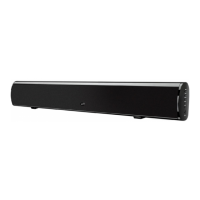
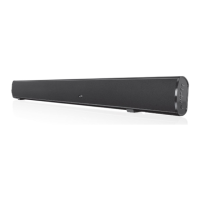
• 17” sound bar
• Voice prompts announce speaker functions
• 16 RGB LEDs
• Micro-USB port for battery recharge
• DC battery power: built-in rechargeable battery
• Battery life: approx. 3.5 hrs at 50% volume
Includes
• USB charging cable
• User’s guide
Volume
OFF ON
POWER
DC IN
AUX
OFF ON
LIGHTS
OFF ON
POWER
DC IN
AUX
OFF ON
LIGHTS
OFF ON
POWER
DC IN
AUX
OFF ON
LIGHTS
Battery Power
• Charge fully before use. The charge time is
approximately 3 hours.
• When the unit is charging, the LED Charging
Indicator will display a solid red light. When
charging is complete, the indicator will turn o.
• Using a Micro-USB to USB cable (included),
connect the DC power input on the speaker to the
USB port of a powered on computer or USB power
adaptor (not included) to charge the speaker.
Pairing Bluetooth & Playing Audio
Note: This model features automatic Bluetooth pairing.
1. Power on the speaker, a voice will announce
“Bluetooth,” when the unit is ready to pair. When
pairing, remain within 3 feet of the unit.
2. Using the controls on your Bluetooth device,
select ISB172 in the Bluetooth Settings to pair.
A voice will announce “Bluetooth is connected,”
when the speaker is successfully paired to your
device. If need be, refer to the user’s manual for your
specic device for more information.
3. Use the controls on the connected Bluetooth
device to select and begin playing audio. Use
the controls on the device or the speaker to play,
pause, skip tracks or answer an incoming call.
OFF ON
POWER
DC IN
AUX
OFF ON
LIGHTS
Aux In
Requires a 3.5mm audio cable (not included).
1. Connect a 3.5mm audio cable to the Aux In on the
unit and the audio output/headphone jack on an
audio device.
2. The speaker will automatically switch to Aux Mode.
3. Use the controls on the connected device to
select and play audio. Be sure the volume on your
connected device is audible when you begin
playing.


 To Next Page