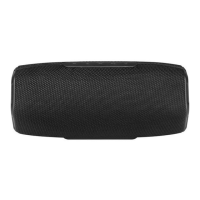
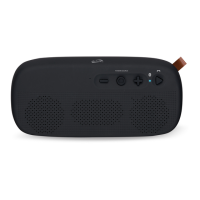
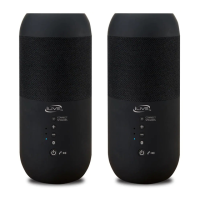
Features
• Bluetooth wireless:
range 60 ft.
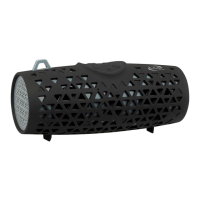
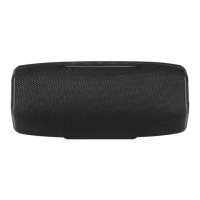
• Durable fabric &
rubberized coating
• DC battery power -
built-in rechargeable
battery: approx. 2.5
hrs playtime at 100%
volume
Includes
• USB charging cable
• Carabiner
• User’s Guide
Waterproof Rating - IPX5
• Protection from contact with enclosed equipment.
• Protection from heavy splashing water.
• Protection from dust, oil, and other non-corrosive
material.
IMPORTANT: To ensure your speaker is prepared for
use in a wet environment, disconnect and remove
any power cables, and tightly close the charging port
water cap. If the water cap is not properly closed,
water resistance will be compromised and could result
in damage to the speaker or personal injury.
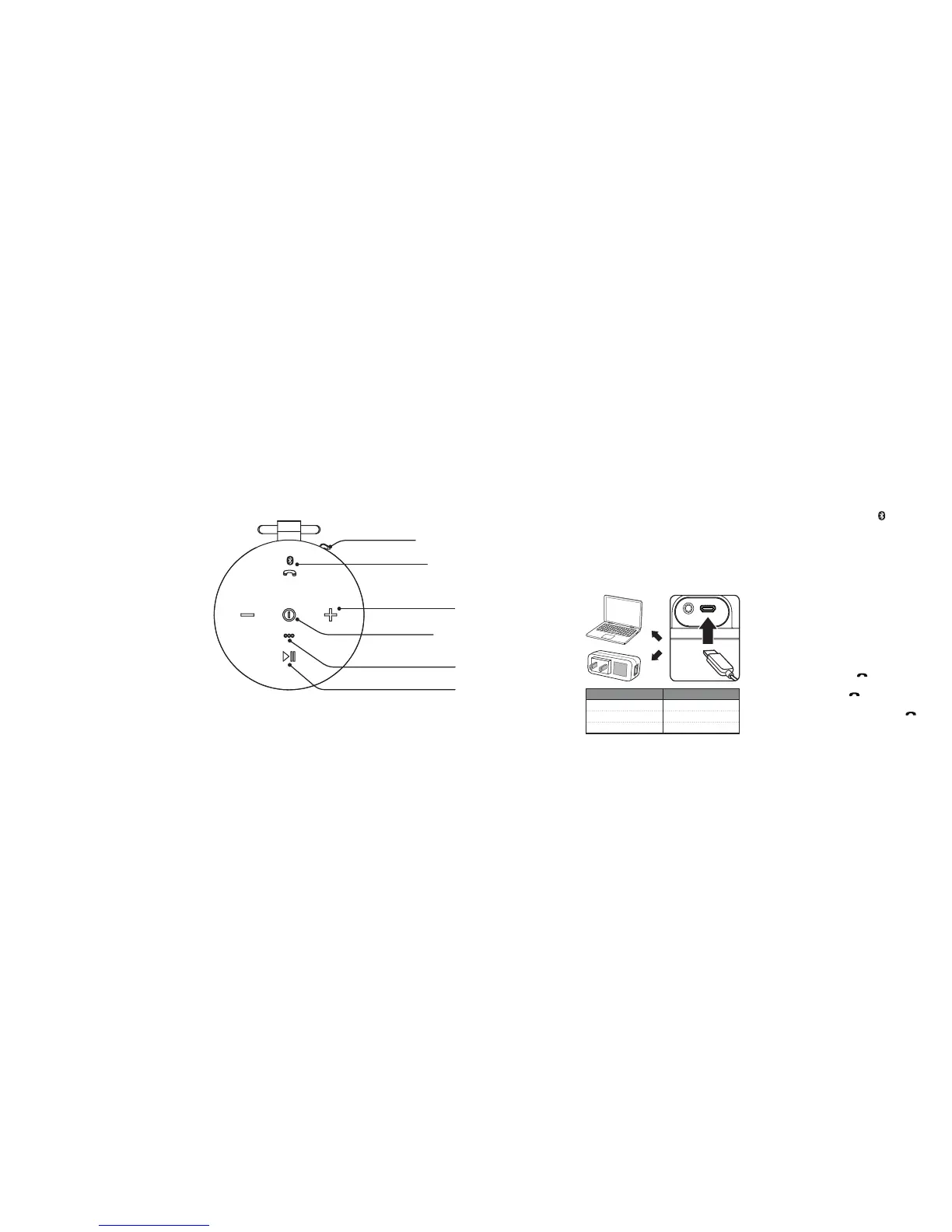
Overview
Power Status Indicator Light
Low Battery Flashing red light
Charging Solid Red light
Finished Charging No light
Charging the Battery
Warning: Do not charge the speaker while it is in or
near water. If splashed or wet, allow ample time to
dry before charging.
Initial charge time is approximately 2 hours. Charge
fully before use.
• Pull back the water cap and use a Micro-USB to
USB cable (included), to connect to the USB port
of a powered on computer or USB power adapter
(not included).
Initial Bluetooth Connection
1. Power on and press and hold the button.
A voice will announce “Bluetooth is connecting”
and the indicator will begin quickly ashing blue.
When pairing, remain within 3 feet of the unit.
2. Using the controls on your Bluetooth device,
select ISBW108 in the Bluetooth Settings to pair.
If need be, refer to the user’s manual for your specic
device for more information.
3. When successfully paired, a voice will announce
“Bluetooth is connected” and the LED indicator
will turn solid blue. Audio from the connected
Bluetooth device will now play on the speaker.
4. Use the controls on the connected Bluetooth
device to select and play audio. Use the speaker
controls or the connected Bluetooth device to
play, pause, and adjust the volume level.
Waterproof Cap /
Micro-USB Charging Port / Aux In (rear)
Top View
Power / LED Indicator Light
Press and hold to power on or o.
Microphone
Play / Pause
Press to play or pause audio (BLUETOOTH MODE).
Volume - / +
Pair Bluetooth / Speakerphone
Press to begin pairing.
Press to answer/end a phone call.
Using the Speakerphone
• To accept a call, press the button or use the
controls on the connected phone.
• To end a call, press the
button or use the
controls on the connected phone.
• To re-dial the last dialed number, press the
button twice.



 To Previous Page