Setting the clock
The oven will signal that it is connected to the power mains with a double beep.
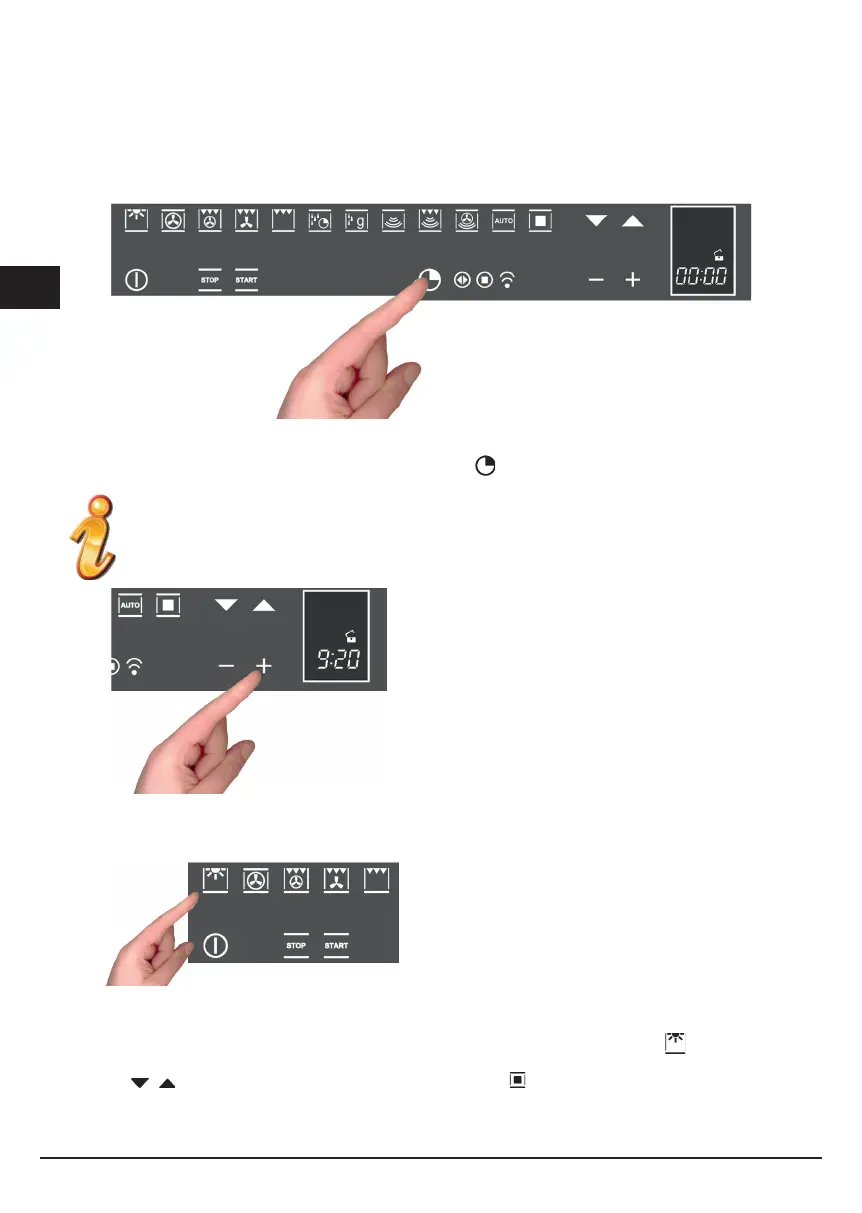
To set the system time, press the “TIMER FUNCTIONS” button
for at least 3 seconds
Each command activated is confirmed by a beep.
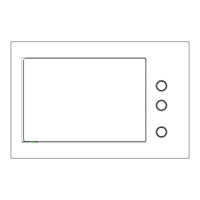
Set the clock with the + and - buttons: during setting
the separator dots flash, the time has been set when the
dots remain steady on.
ACTIONS THAT ARE POSSIBLE WITH THE OVEN OFF
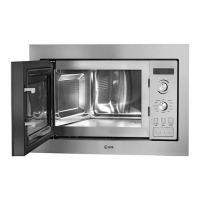
- Turn on oven light
The oven light is turned on/off by touching the symbol as
shown in the figure.
- Change the Language
When the oven is off, you can change the language of the display by simultaneously selecting
and the + button
in the lower right for at least 3 seconds.
Then use
to select the language and confirm the choice with .


 To Next Page