GB
8
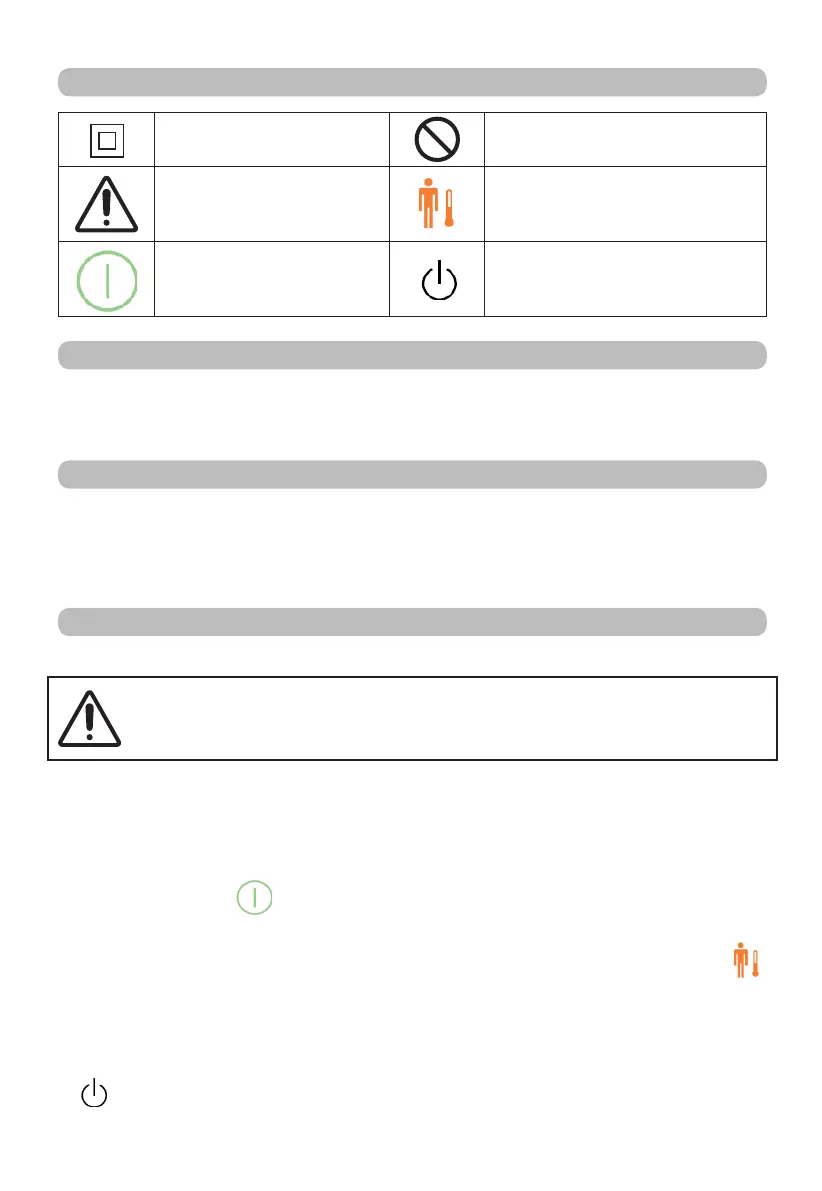
SYMBOLS
Protection class II.
Prohibited actions.
Warning.
Temperature selector.
ON/OFF selector.
STAND-BY.
DESCRIPTION OF THE APPLIANCE
1 Temperature display. 3 Temperature selector. 5 Control socket.
2 Stand-by Display. 4 ON/OFF selector. 6 Plug.
USING THE HEATING PAD
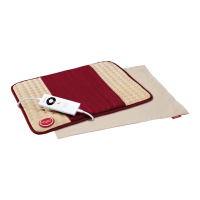
The heating pad is designed to warm the human body. It allows for targeted application
of heat.
The heating pad can be placed on parts of the body, such as: neck, shoulders, back,
abdomen and joints, depending on the relative model.
USE
CONNECTING AND REMOVING THE TEMPERATURE ADJUSTMENT CONTROL
ATTENTION!
The heating pad can only be used with the control supplied. The relative
model is specified on the label sewn on the panel.
• Insert the control socket (5) into the socket (6) to connect the temperature adjustment
control to the heating pad.
• Insert the plug in the socket.
• Place the heating pad on the part of the body that is to be heated.
SWITCHING THE APPLIANCE ON AND SELECTING THE TEMPERATURE
• Press the ON/OFF
(4) selector to switch the heating pad on.
• The display (1) will light up and the temperature will be automatically set to position 5.
• Select the desired temperature (from 1 to 5) by pressing the temperature selector
(3) until the relative number lights up on the temperature display (1).
• Select temperature from 1 (min) to 3 (max) for continuous use.
AUTOMATIC SHUTDOWN
• The heating pad is provided with an automatic switch-off system. The stand-by display
(2) lights up after 3 operating hours to indicate that the product has switched off


 To Next Page
 Loading...