Camera
06:20
Add it now
You have not added any cameras yet
Gateway/Camera reset
Gateway: Long press the reset button for 8 seconds,
indicator flashes yellow, gateway is successfully reset.
Camera: Long press the power button for 8 seconds,
indicator flashes blue, camera is successfully reset.
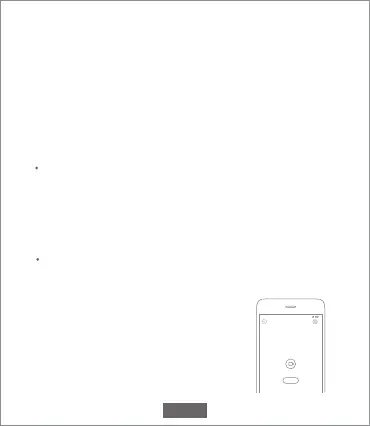
Add camera
Click "IMILAB EC2 Wireless Camera Gateway" in the home page
of Mi Jia app to enter Add Camera page,
click "Add now", long press the camera
power button for 2 seconds, then the
camera is ready to connect, the
indicator is flashing blue; click "Next",
then the gateway is ready to connect,
the indicator is flashing blue. Connect
Configure the account and password of wireless network
following the instructions in the app. Blue light indicates that
gateway is connected, flashing yellow light indicates that
connection failed. After wireless network is configured, the
gateway will automatically switch to wired connection when
users connect the network cable into the interface at the
back of gateway, network transmission rate and stability can
be improved.
EN-08



 To Next Page