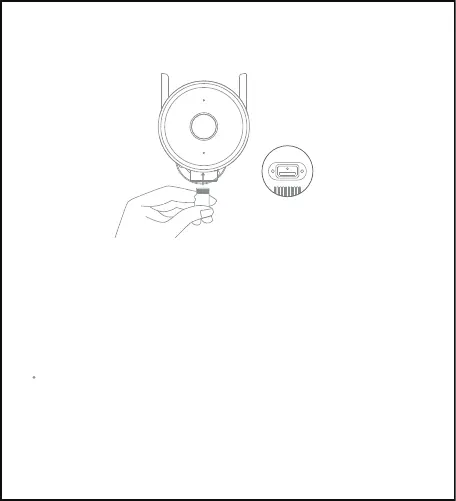
Restoring factory settings
Press and hold the reset button to restore the factory settings. The content
inside the micro SD card will not be deleted.
Note:
When inserting or removing the micro SD card, please disconnect the camera
from the power supply. Please use a micro SD card from a reputable
manufacturer. The recommended read and write speed of the micro SD card
is at least U1/Class 10.
MicroSD
Micro SD card slot



 To Next Page