Home
imogenStudio
Security Camera
+CAM-HD-AW
Page 15 (Audio Talkback Feature)
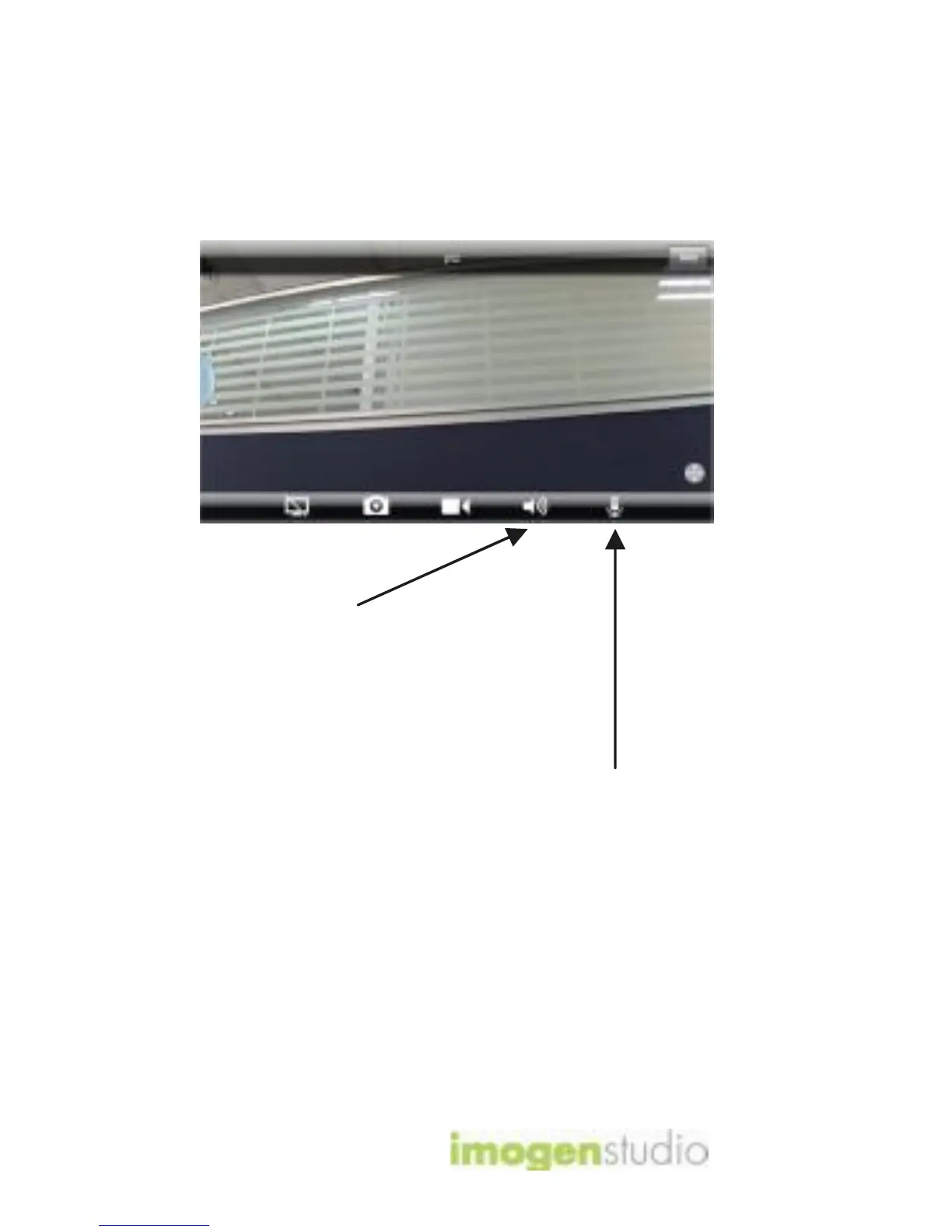
imogenStudio +CAM-HD-AW - Audio Talkback Feature; How to Use Audio Talkback
20 pages
Manual
Save Page as PDF
To Next Page
To Next Page
To Previous Page
To Previous Page
Loading...
+
CA
M
H
D
A
W
Q
u
i
ck
S
t
a
rt
G
u
i
d
e
15
6
c
.
A
u
dio
T
al
k
ba
c
k
1
.
T
o
u
s
e
A
u
d
i
o
T
al
kb
a
c
k
,
f
i
r
s
t
p
r
es
s
th
e
A
u
d
i
o
b
utt
o
n
t
o
initiat
e
s
o
un
d
t
o
li
s
t
e
n
in.
2
.
Th
e
n
p
r
es
s
th
e
A
u
d
i
o
T
al
k
b
a
c
k
b
utt
o
n
an
d
s
p
e
a
k
int
o
y
o
u
r
d
e
v
i
c
e
,
th
e
n
l
e
t
g
o
f
o
r
th
e
au
d
i
o
t
o
t
r
an
s
f
e
r
t
o
th
e
c
am
e
ra
’
s
s
p
e
a
k
e
r
.
14
16
Table of Contents
Main Page
Camera Mounting
4
Connect to Power
6
Camera Viewer
13
Safety Information
16
Troubleshooting
17
Led Status Indicators
17
Reset Button
18
For more Information
19



 To Next Page