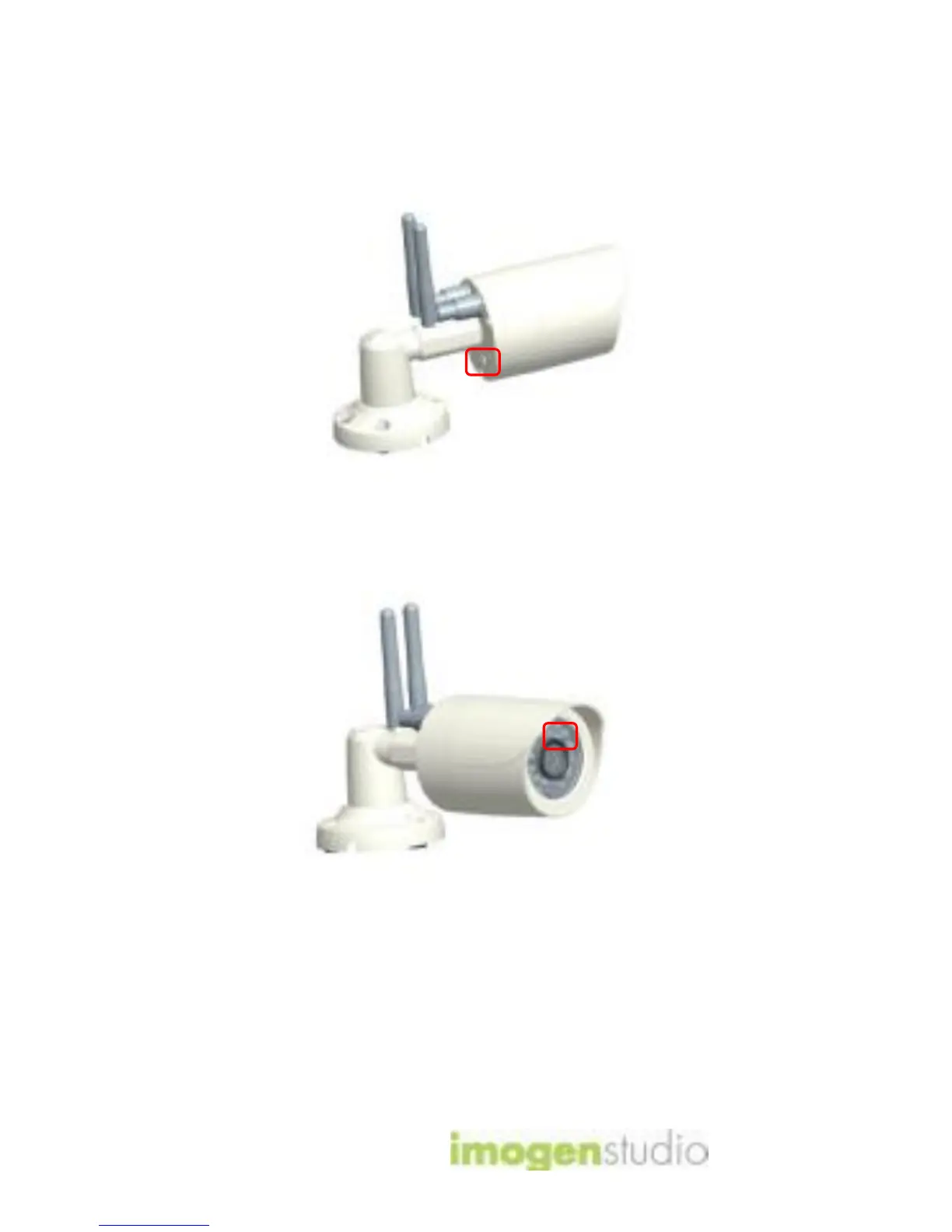
3a. Wi-Fi Setup Mode
Hold down the power/reset button on the
back of the camera for a few seconds to
start up the +Cam Outdoor HD
The “Wi-Fi Setup” LEDs in the front of
the cam will glow green and the +Cam
Outdoor HD will connect. (This may take
up to 2 minutes when the camera is first
powered on.)



 To Next Page