EasyManua.ls Logo

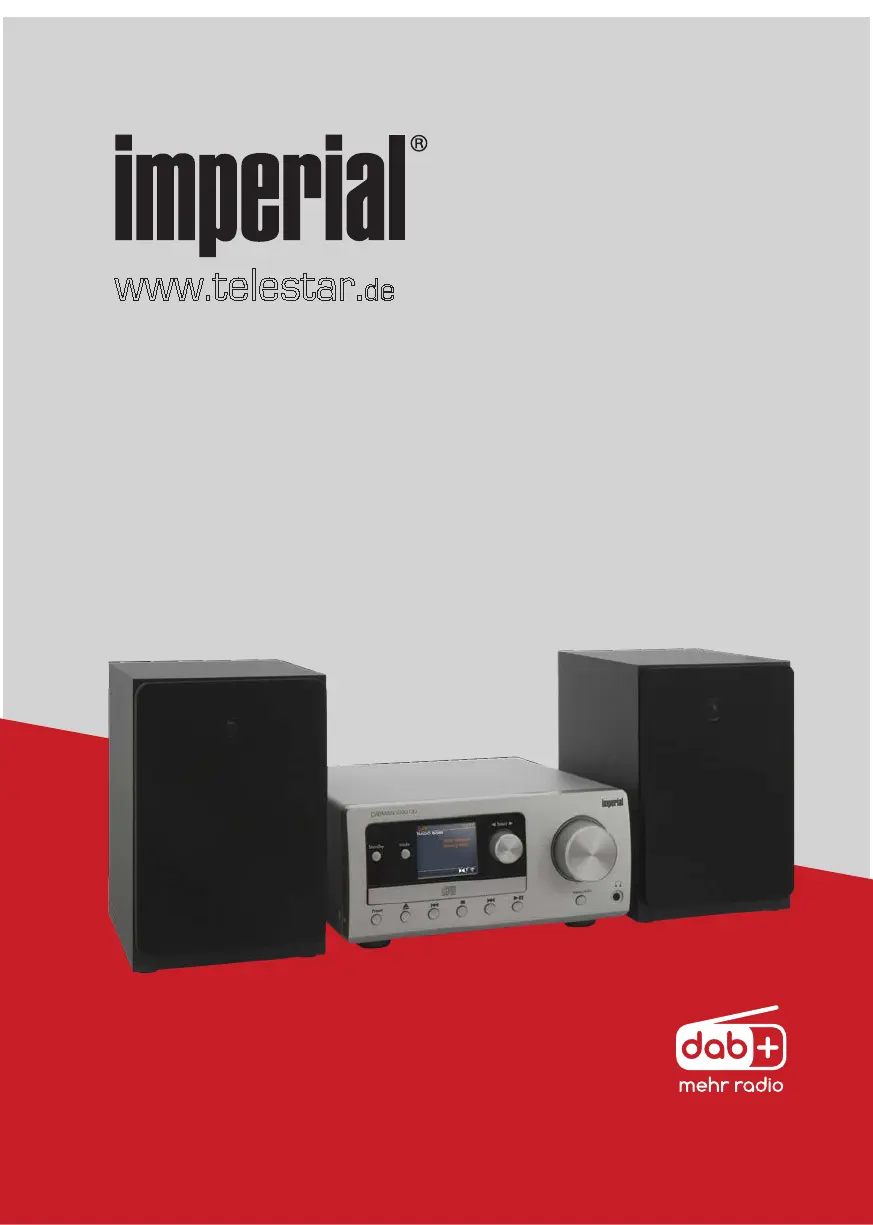
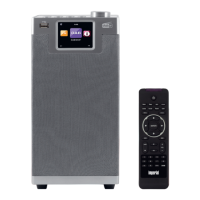
Imperial DABMAN i300 CD - User Manual

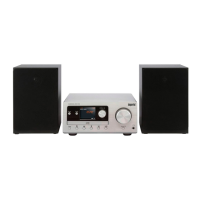
Imperial DABMAN i300 CD
290 pages
Go to English
Print Icon
To Next Page IconTo Next Page
Loading...
www.telestar.
de
Bedienungsanleitung
Operating Manual
Mode d‘emploi
Handsleiding
Istruzioni per l‘uso
27/09/19
V1
DABMAN i300 CD

Table of Contents

Questions and Answers

  • R
    russellgraceAug 2, 2025
    What to do if my Imperial DABMAN i300 CD remote control does not work?
    • R
      Richard MooreAug 3, 2025
      If the remote control for your Imperial Radio isn't working, the battery may be empty or not inserted correctly. Ensure the batteries are inserted with the correct polarity.
  • C
    Chad DiazAug 7, 2025
    Why is the volume too low on my Imperial DABMAN i300 CD Radio?
    • K
      Kimberly LoganAug 7, 2025
      If the volume on your Imperial Radio is too low, check the volume setting on the i300 CD and the volume setting of the paired device from which you are playing music.
  • Z
    zmaynardAug 12, 2025
    What to do if my Imperial DABMAN i300 CD Radio has DAB+ reception interrupted?
    • R
      Richard CamposAug 12, 2025
      If your Imperial Radio experiences interrupted DAB+ reception: * Run a scan to find available stations. * Ensure the antenna is fully extended. If the reception is still poor, try changing the radio’s location (e.g., near a window) and run another scan.
  • Y
    ymillerAug 17, 2025
    What to do if my Imperial DABMAN i300 CD Radio has FM reception interrupted?
    • J
      James CurryAug 18, 2025
      If the FM reception on your Imperial Radio is interrupted: * Pull the FM antenna out to its full length. * Try changing the location of the radio.
  • M
    morgansabrinaAug 23, 2025
    How to fix poor audio quality when playing music on Imperial Radio?
    • J
      Jessica CannonAug 23, 2025
      If you experience poor audio quality when playing music on your Imperial Radio, examine the audio file's bitrate. For MP3 files, a bitrate of 192kbit/s or higher is recommended.
  • C
    cookmichelleAug 28, 2025
    How to fix no network connection on Imperial DABMAN i300 CD?
    • R
      Robert JuarezAug 28, 2025
      If your Imperial Radio cannot establish a network connection: * Check the WIFI functioning. * Activate the DHCP function of the router to which the radio is to be registered. * Consider whether there may be an active firewall in the network.

Summary

Preface and Proper Use

Proper Use of the Device

Defines the intended use and safety precautions for the electronic entertainment device, setting user expectations.

Safety Information and Symbols

General Safety Guidelines

Covers general safety advice, device inspection, risks for children, and choking hazards from packaging materials.

Operational Safety Precautions

Addresses electrocution and fire risks, emphasizing device damage checks, handling malfunctions, hazardous environments, and moisture.

Device Connection and Protection

Connecting the Device Safely

Provides instructions for connecting the device to power, including socket requirements, cable handling, and voltage checks.

Injury Risks and Radio Interface Notes

Risk of Injury from Headphones

Warns about hearing damage from high volume levels with headphones and advises on safe listening practices.

Radio Interface and Medical Devices

Discusses electromagnetic fields, potential interference with medical devices, and restrictions in certain environments.

Battery Handling and Device Cleaning

Safe Battery Handling

Crucial safety instructions for battery handling, covering risks of injury, explosion, proper polarity, storage, and keeping away from children.

Remote Control Functions

Detailed Remote Control Operation

Details the functions of the remaining numbered buttons on the remote control for comprehensive device operation.

Advanced Remote Control Features

Covers additional remote control functions like Eject, Scan, Intro, Info, Back, Navigation, Mode, and Mute, plus app control note.

Key Device Functions

Switching Between Modes

Explains how to switch between different operating modes (DAB, FM, Internet Radio, Bluetooth, CD, AUX IN) using the MODE button.

Menu Navigation and Operation

Guides users on navigating the device's menus using the control knob or remote buttons, confirming selections, and exiting menus.

Setup Prerequisites and First Start-Up

Requirements for Network and Internet

Lists the prerequisites for network integration and internet access, including an internet connection, router, and necessary network keys.

Initial Device Setup Wizard

Outlines the initial setup process, including connecting the power supply and initiating the setup wizard for configuration.

Network Connection Setup

WIFI Network Selection and Entry

Explains how to select the desired WIFI network from a list and enter the network password for connection.

Internet Radio Station Setup

Details accessing and selecting Internet Radio stations from the main menu and its various browsing options.

Network Settings Configuration

Network Setup Wizard Guide

Explains how the setup wizard automatically connects to the router and obtains network addresses via DHCP for initial configuration.

WIFI Connection Setup

Guides selecting a WIFI network and entering the password, especially for routers with encryption, using the navigation wheel.

Station Reception and Management

Time, Internet Radio, and Media Features

Receiving Internet Radio

Introduces Internet radio functionality, accessing stations online directly via router, and managing favourite stations.

Media Playback and Player Features

Sleep Timer, Alarms, and CD Player

Settings: Sound and Network

Software Updates and Device Information

Updating Device Software

Instructions on updating firmware via automatic or manual checks, including a warning about losing custom settings.

Bluetooth Connectivity

Audio Input and App Control

Troubleshooting Common Issues

Technical Data

Service and Support Information

Imperial DABMAN i300 CD Specifications

General IconGeneral
Package typeBox
Package weight6830 g
Display typeTFT
Built-in displayYes
Display diagonal2.4 \
Radio typePersonal
Tuner typeAnalog & digital
FM band range87.5 - 108 MHz
DAB III band range174 - 240 MHz
Supported radio bandsDAB+, FM
Preset stations quantity10
Power sourceDC
AC input voltage240 V
DC input voltage9 V
AC input frequency60 Hz
Projection-
ThermometerNo
Antenna typeExternal
Product colorBlack, Silver
RMS rated power40 W
Number of built-in speakers2
Headphone outputs1
Headphone connectivity3.5 mm
Operating temperature (T-T)5 - 40 °C
Operating relative humidity (H-H)5 - 90 %
Weight and Dimensions IconWeight and Dimensions
Depth225 mm
Width550 mm
Height280 mm
Weight5440 g

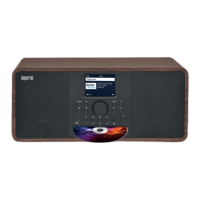
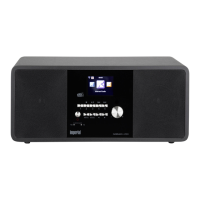
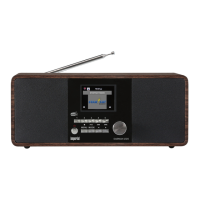
Related product manuals