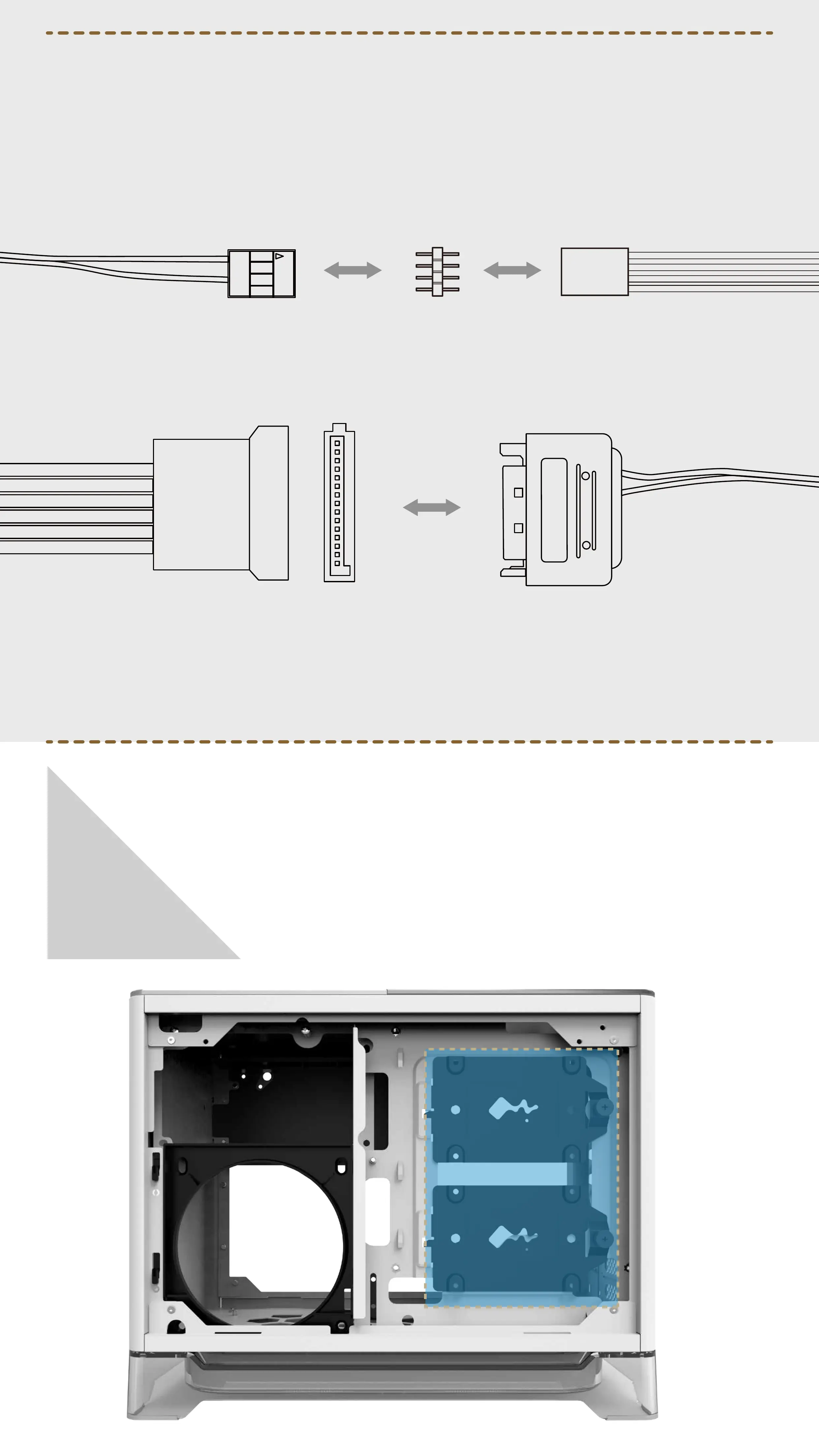
If your motherboard doesn't have an RGB header, please connect the
provided dual 4-Pin LED header to the RGB-strip and the LED-SATA
connector. Then connect to the PSU to set the default LEDs.
2.5” Drive Bays Installation
Parts Required: 2.5” HDD Screws
06
LED-SATA connector
4-Pin LED header RGB-strip
LED-SATA connectorPSU SATA


 To Next Page