Specifications
5V/2A
Support Qi 5V/1A
75%-78%
72 x 49 x 8 mm
1 year limited warranty
(Effective date based on the
purchasing date from consumers)
• Input
• Output
• Power Transfer Efficiency
• Product Dimension (H x W x D)
• Warranty
■ Note to use
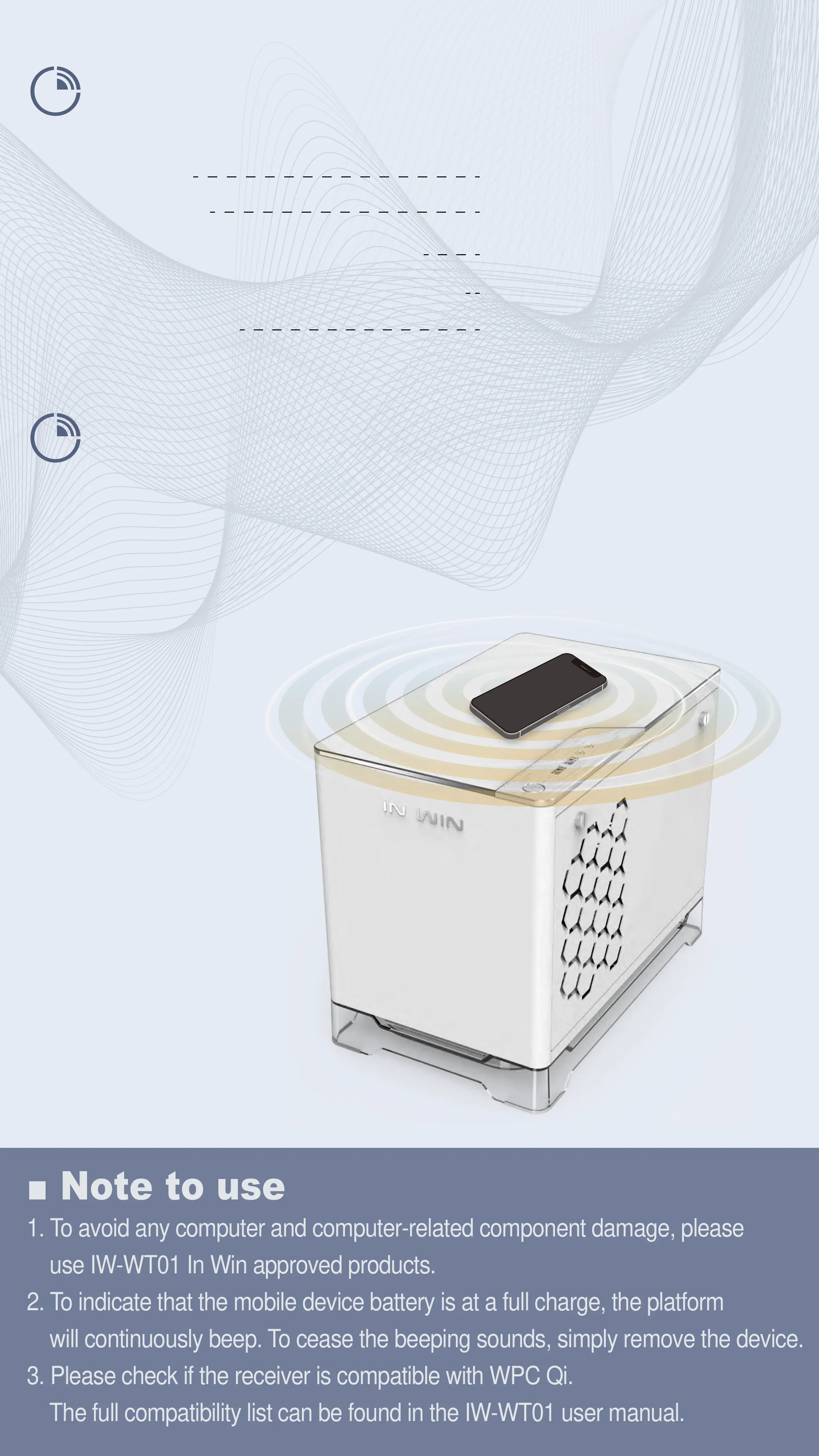
1. To avoid any computer and computer-related component damage, please
use IW-WT01 In Win approved products.
2. To indicate that the mobile device battery is at a full charge, the platform
will continuously beep. To cease the beeping sounds, simply remove the device.
3. Please check if the receiver is compatible with WPC Qi.
The full compatibility list can be found in the IW-WT01 user manual.
User Guide
• Please make sure the power is connected.
• Place the mobile device on the charging
platform on the top panel.
Charging will begin after a
“beeping” sound.


 To Next Page