PAGE 12
OPERATING YOUR OVEN
Touch Controls
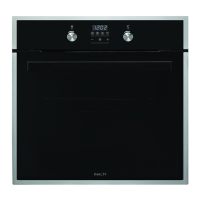
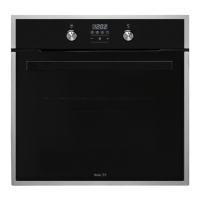
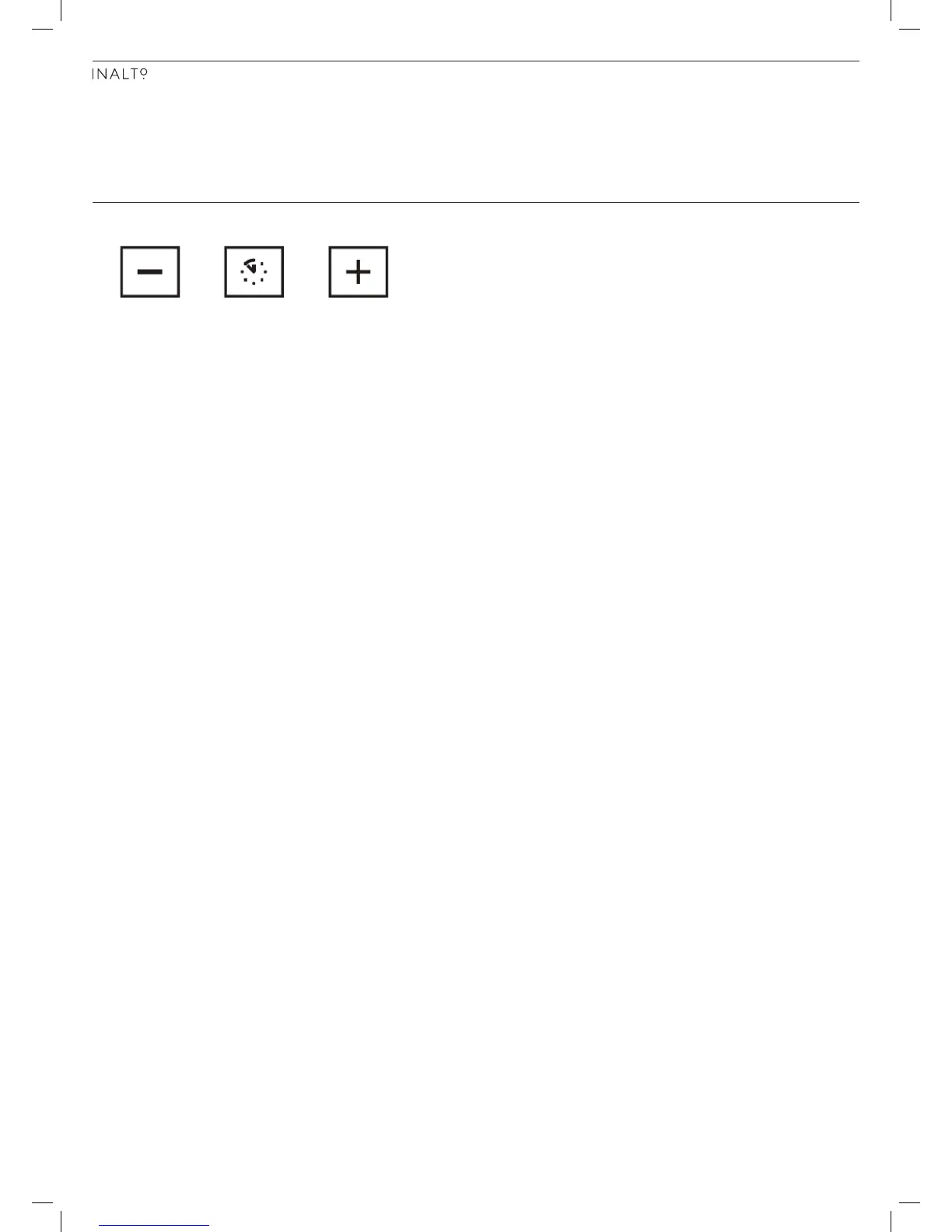
► The programmable timer features 3 touch control buttons; Decrease, Confirm/Set and Increase.
► Holding the decrease or increase buttons will change the time faster.
► The centre Confirm/Set button allows you to cycle through a function sequence (with each press), as outlined below:
► Display TIME OF DAY ► MINUTE MINDER setting ► COOKING DURATION setting ► END OF COOKING TIME
setting ► TIME OF DAY setting ► Setting value of ACOUSTIC SIGNAL
Note: 5 seconds after selecting a Program setting, the display will return to the TIME OF DAY, except in
the case of a MINUTE MINDER being set. In this case it will show the remaining time for the MINUTE
MINDER.
Setting the time
When your oven is turned on for the first time (or after a power outage) the time will show 12:00 flashing. Touching any of
the buttons will stop the flashing and 12:00 will be the set time.
You can now set the time by pressing the centre Confirm/Set button and cycling through to the TIME OF DAY setting. The
clock icon will be flashing.
► Use the Increase and Decrease buttons to adjust the time (Note: hours are displayed in 24 hour time format).
► Use the centre Confirm/Set button to confirm your selections.
Setting the Audible Tone volume
► Press the centre Confirm/Set button and cycle through to the ACOUSTIC SIGNAL setting.
► Use the Increase and Decrease buttons to adjust the volume, where L1 = Low, L2 = Medium, L3 = Loud
► Use the centre Confirm/Set button to confirm your selection.
Using the Minute Minder timer
► Press the centre Set button and cycle through to the MINUTE MINDER setting. The bell icon will be flashing.
► Use the Increase and Decrease buttons to set your desired timer upto a maximum of 99 minutes.
► The display will show the remaining time for your timer and begin to countdown. You can alter the timer by using the
Increase and Decrease buttons at any time.
► To delete the Minute Minder timer, simply use the Decrease button to set it to 0:00.
► When the timer is complete, an Audible Tone will sound and the bell icon will flash. To silence this, simply press any
key and the oven will display the current TIME OF DAY.
Using the Cooking Duration function
To set the Cooking Duration function:
► Press the Confirm/Set button until the Cooking Duration icon (page 11) is displayed and flashing.
► Now set the cooking duration hours by using the Increase and Decrease buttons. Note: The maximum time is 23:59
hr:min.
► 5 seconds after setting your Cooking Duration, the oven will change to Auto mode and display the Cooking Pot
symbol, along with the current Time of Day. The Cooking Duration will count down, despite not displaying the
remaining time on your display.
► You can modify your Cooking Duration at any time by repeating the steps above and altering the set time.
► To delete the Cooking Duration timer, simply use the Decrease button to set it to 0:00.
► Once the cooking duration is complete, an Audible Tone will sound and the Man symbol will flash. Simply press any
button to stop the audible tone. The Man symbol will continue to flash, however pressing the Confirm/Set button will
switch the oven into Manual Mode.
Note: The audible tone will automatically cut off after seven minutes, if not cancelled earlier.


 To Next Page
 Loading...