Connection
Normal use
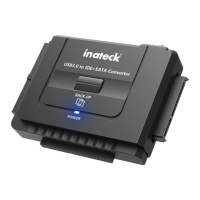
a. Connect a hard drive or CD driver to the UA2001 properly
b. Connect UA2001 with computer by USB cable
c. Connect DC power adapter with UA2001
d. Power on, lower right corner of computer will pop up a mobile device
prompt after device is recognized, and there will also be a prompt in
le manager.
OTB function(OTB mode isn't applicable for W8 and Mac)
a. Select the drive of the target device.
b. After selecting the drive, the Config, OTB Path and Restore will be
enabled.
c. In Cong page, set the PC as Original PC, then we can use the backup
function.
d. Select the folder for backup. Then, click Save.
e. The backup processing window can be minimized. After nished, the
message box will pop up to notify the user.


 To Next Page