4
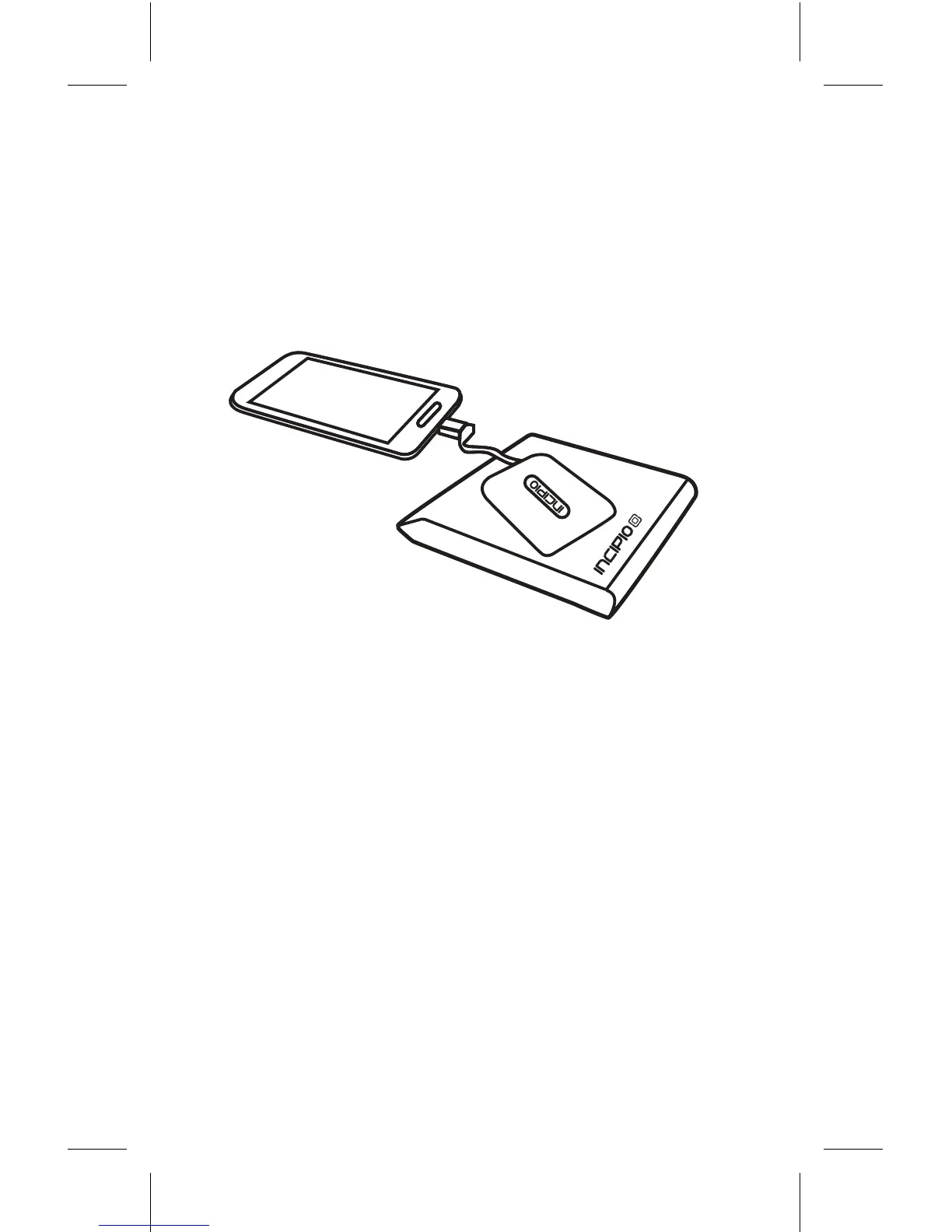
Verifythatthephoneisreceivingchargeby
inspectingthebatteryicononyourhomescreen
Theiconshoulddisplaythechargingstatusof
yourphoneIfthephoneisnotreceivingcharge
wirelesslypleaselitheadapterandreplaceit
onthechargingsurfacetoestablishacharging
connection
WARNINGS
—
BesuretousetheGHOST™WirelessCharging
Adapterinaccordancewiththeprovidedinstructions
andcomplywiththefollowingwarningsImproper
orunintendedusemayresultininjurytoyourselfor
damagetoyourGHOST™WirelessChargingAdapter
and/oryourdeviceIncipioisnotliableforanyinjury
ordamagecausedbyimproperorunintendeduseof
theGHOST™WirelessChargingAdapter
•DonotdroptheWirelessChargingAdapterfrom
highplaces
•DonotmodifyrepairortaketheWirelessCharging
Adapterapart
•Donotcleanwithwateralcoholorbenzene
•DonotplaceanyobjectsonorbetweentheWireless
ChargingAdapterandchargingbase



 To Next Page