5
Efficiency Mode
The Battery Efficiency Mode setting gives your
phone even more battery life from the Power
pack.
Find it: Apps > Settings > Moto Mods
• Off: (Default setting) Keeps your phone
at 100% charge, but will drain your Power
Pack faster.
• On: Keeps your phone at 80% charge to
extend the life of your Power Pack by 20%.
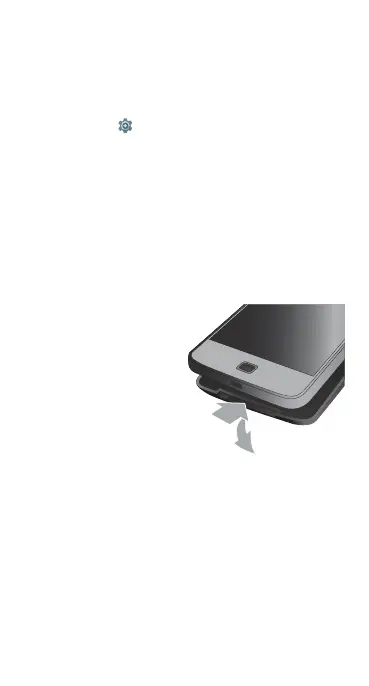
Remove it
To detach the battery
from your phone, place
your finger in the notch
at the bottom of the
battery and pull it away
from your phone.
Efficiency Mode



 To Next Page