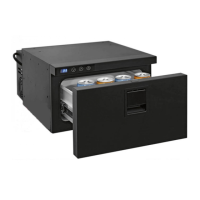
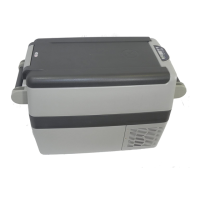
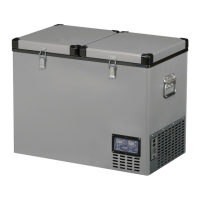
TB 30 AM DRAWER
ENGLISH
26 TB30AM DRAWER_20-06-2018
TEMPERATURE SETTING
Switch on the refrigerator, set the desired temperature using the 2 button to increase or 3 to
decrease the temperature, which will be saved automatically.
MENU FUNCTION [PRO]
The Pro menu allows for changes to the following data: offset 1, offset 2, offset 3, battery
protection.
To access the Pro menu, press the 2 and 3 buttons simultaneously for 4 seconds. The message
will then appear on the digital display. Press the 1 button to conrm entry into the
menu.
The offset1 value will appear. This value can be changed from +8 to -8 using buttons 2 and 3.
Press 1 to conrm the new data entered and go to setting for the next parameter.
The offset2 value will appear. This value can be changed from +8 to -8 using buttons 2 and 3.
Press 1 to conrm the new data entered and go to setting for the next parameter.
The offset3 value will appear. This value can be changed from +8 to -8 using buttons 2 and 3.
Press 1 to conrm the new data entered and go to setting for the next parameter.
The gure shown, or or , refers to the level of battery saving set. The value can be
modied using button 2 or 3.
Press 1 to conrm the new data entered and go to setting for the next parameter.
The gure shown or refers to the selection of the temperature scale,
Celsius or Fahrenheit, the selection of the factory setting is in Celsius, the value can be changed
by pressing the button 2 or 3.
To exit from the Pro menu, wait a few seconds until the display shuts down. Data will be saved
automatically.


 To Next Page
 Loading...